
AI-powered role architecture
Build your role architecture with AI, from the job descriptions you already have
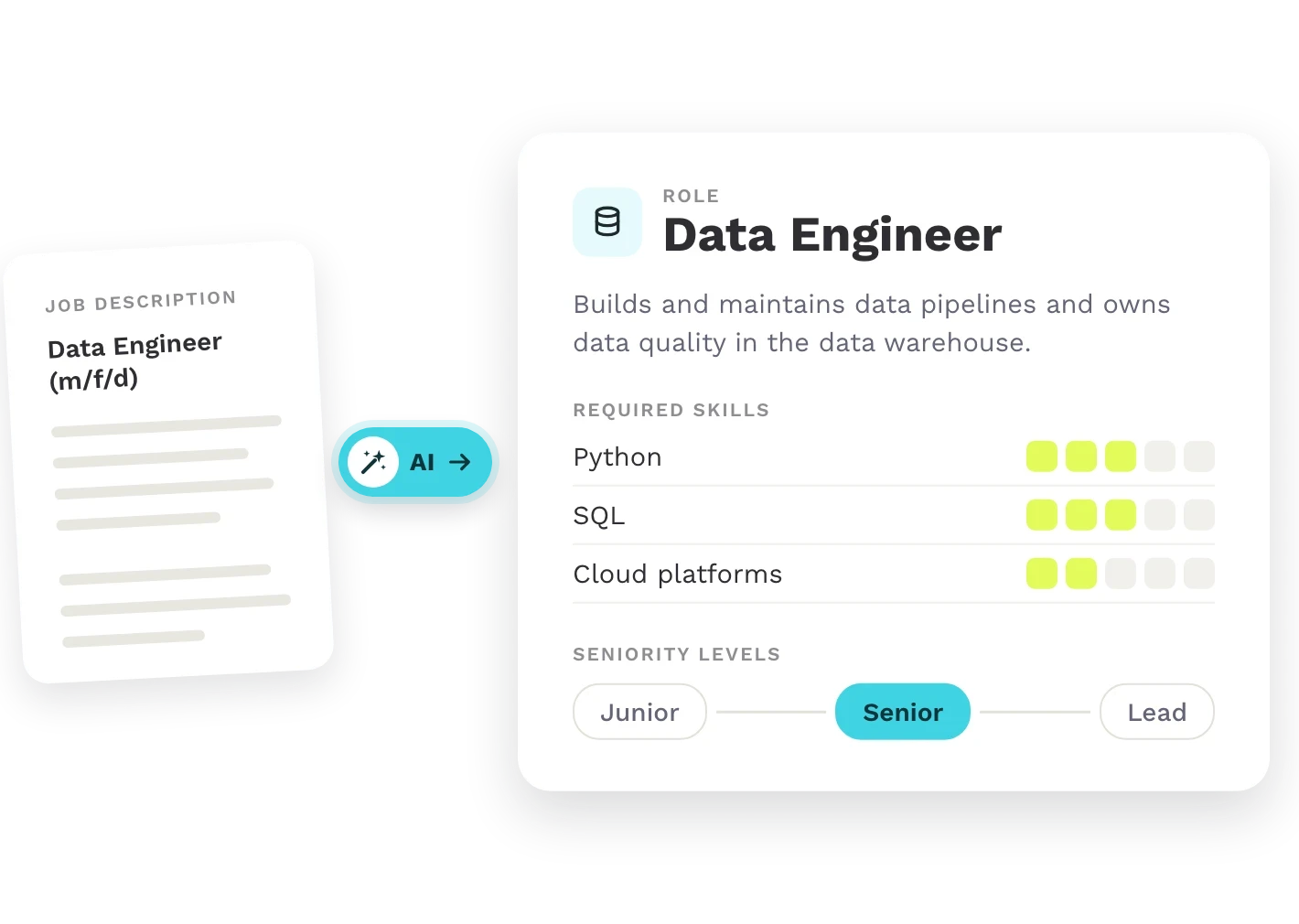
Teammeter uses AI to turn your existing job descriptions into roles with clearly defined tasks, responsibilities and skill levels, so everyone knows what is expected of them.
- AI-generated role drafts from existing job descriptions
- Clearly described levels for every skill
- Multiple roles per person, beyond a single job title
 Hosted in Germany
🔗HRIS integrations














See it in action
From job description to role
Teammeter takes the writing work off HR’s hands. AI drafts roles and skill-level descriptions, while HR reviews and approves them.
Explore each step:
STEP 1
Roles from job descriptions
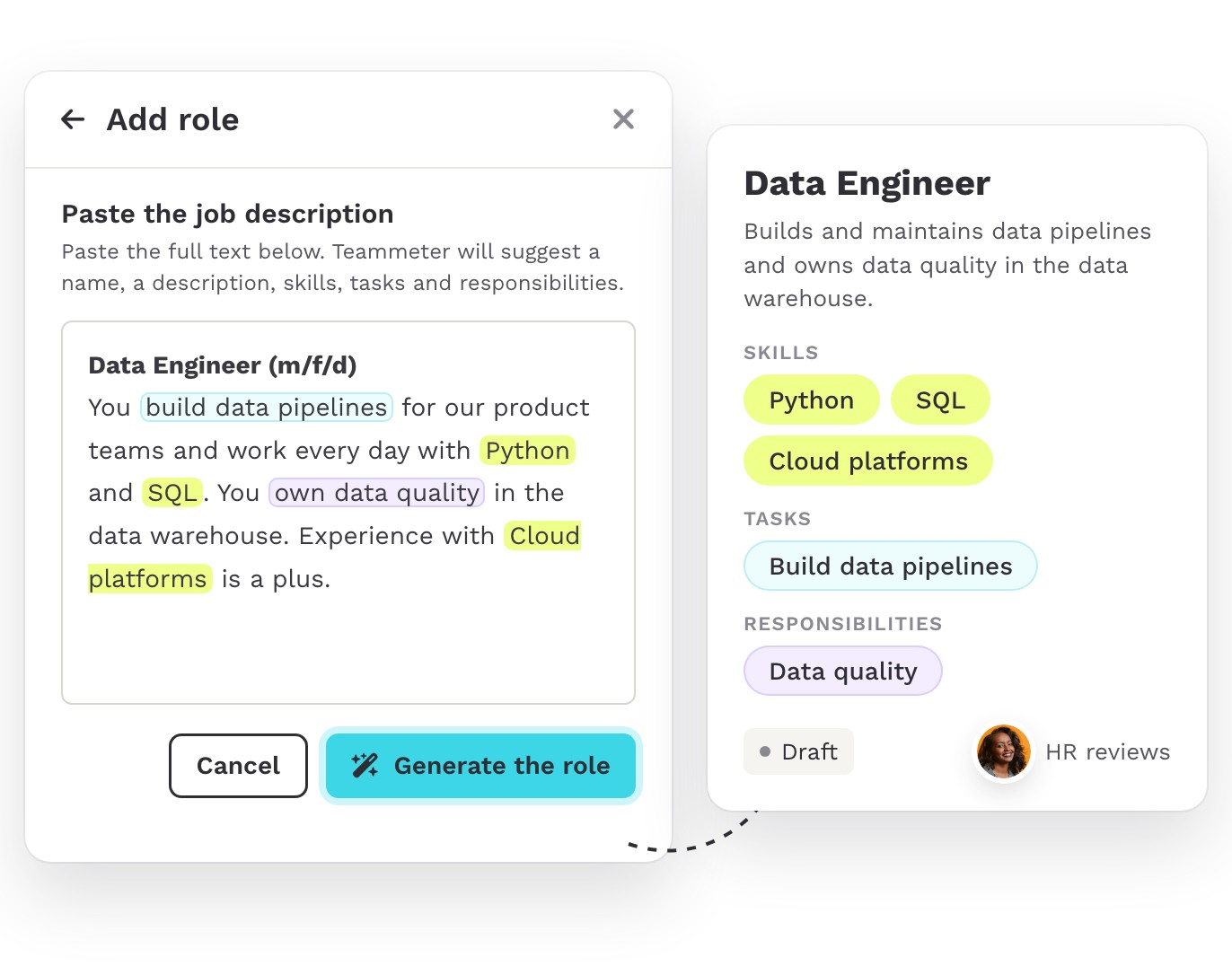
Paste an existing job description and let AI draft the role for you, including its name, description, skills, tasks and responsibilities. HR reviews and adjusts the draft before approving it.
STEP 2
Clear levels for every skill
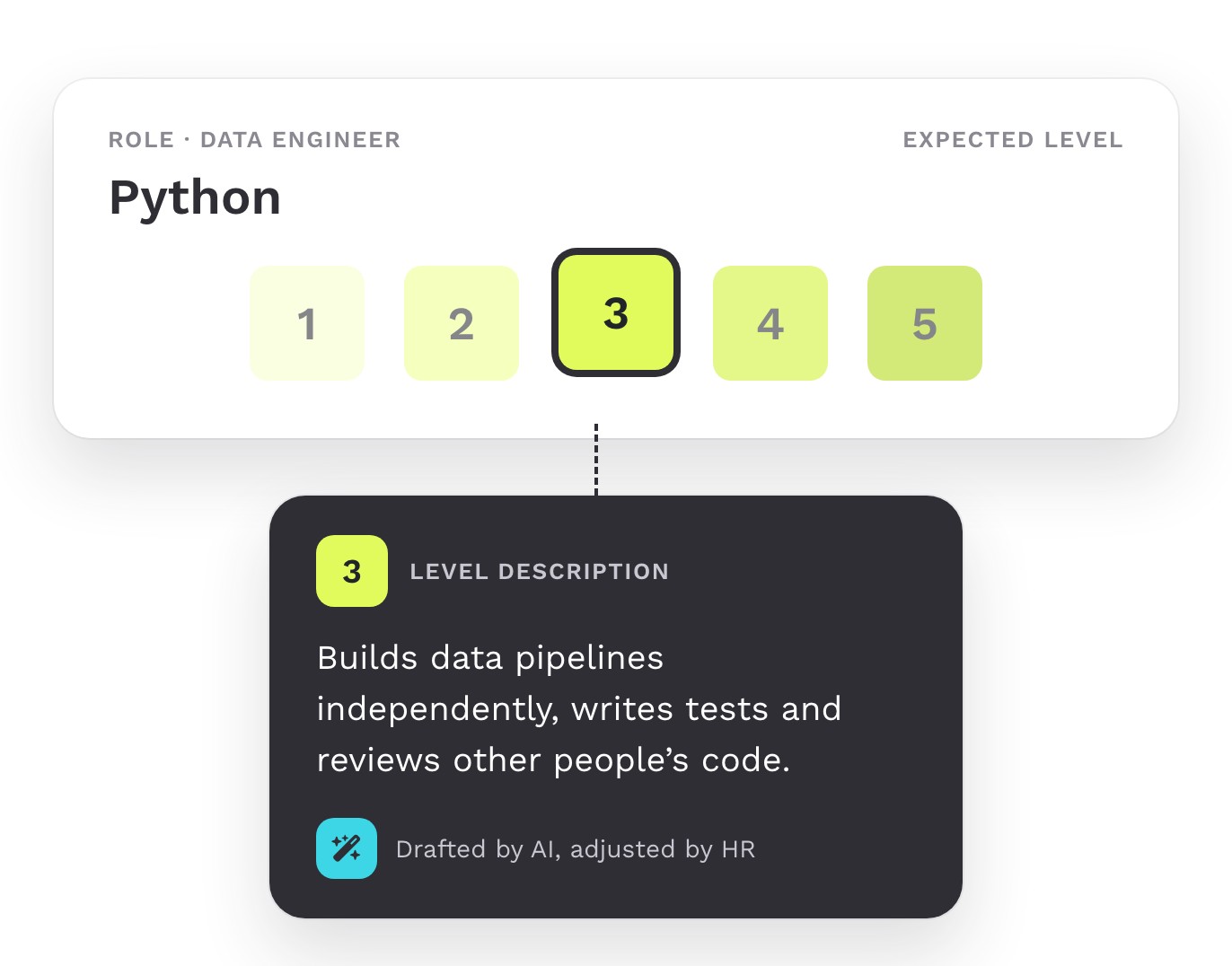
Define the level expected for each skill in a role. AI generates descriptions for each level, which HR can review and adapt to the organization’s needs.
STEP 3
Roles beyond job titles
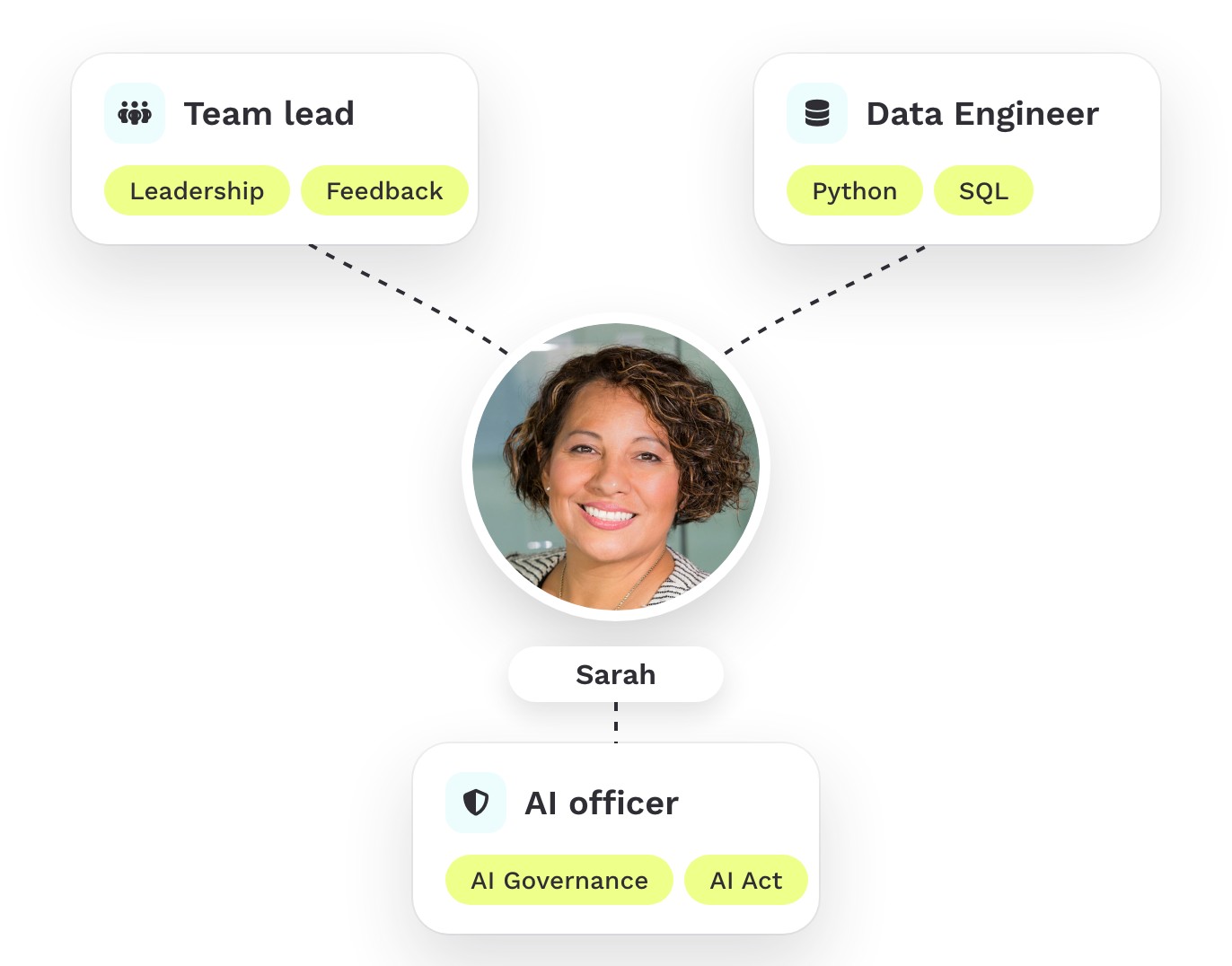
One person can hold several roles, such as team lead, data engineer and AI officer. Each role makes its expected skills and proficiency levels clear.
Build a role catalog that scales
Managing hundreds of roles doesn’t have to mean writing every role from scratch. Teammeter drafts roles from your existing job descriptions, and HR reviews each one before it enters the catalog.
- Guided onboarding: import your existing job descriptions in bulk. We’ll help you set up your catalog, starting with the roles that matter most.
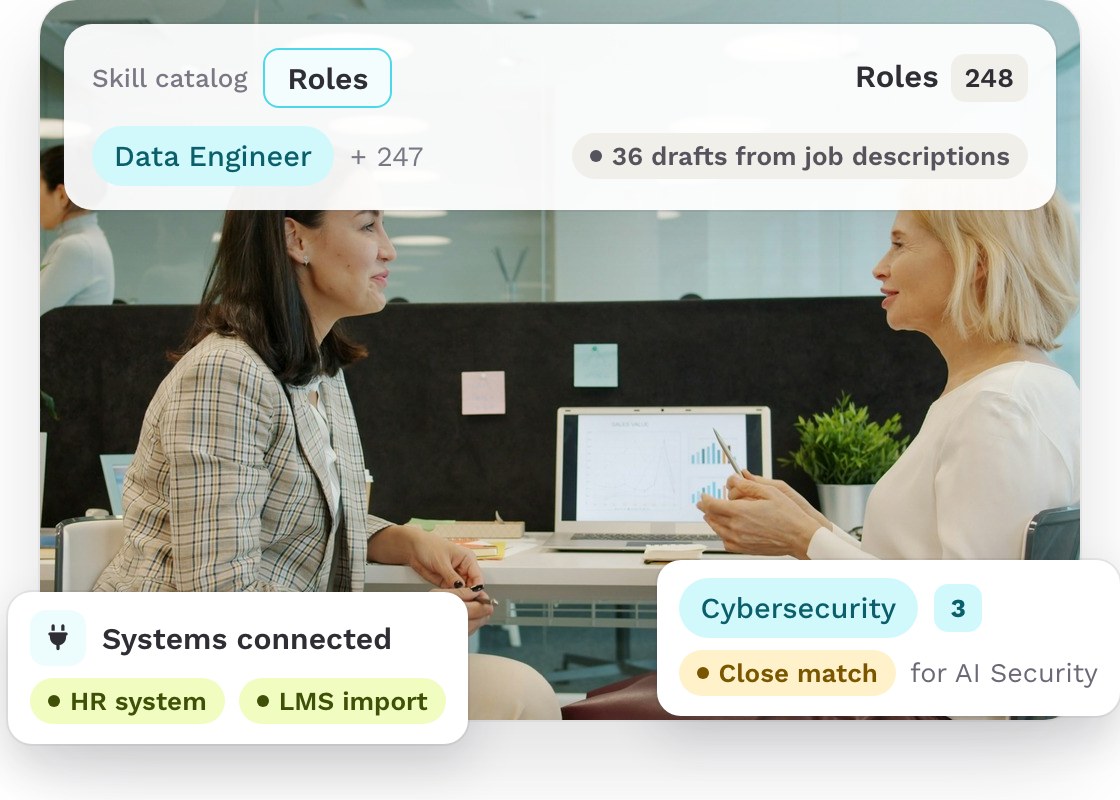
- Find people with related skills: Teammeter identifies related skills when matching people to role requirements. For example, a role requiring AI security may also match people with cybersecurity or AI literacy skills.
- Connected to your HR and learning systems: employee data comes from your HR system, such as Personio or SAP. Training data can also be imported from your LMS.
Everything you need to understand a role
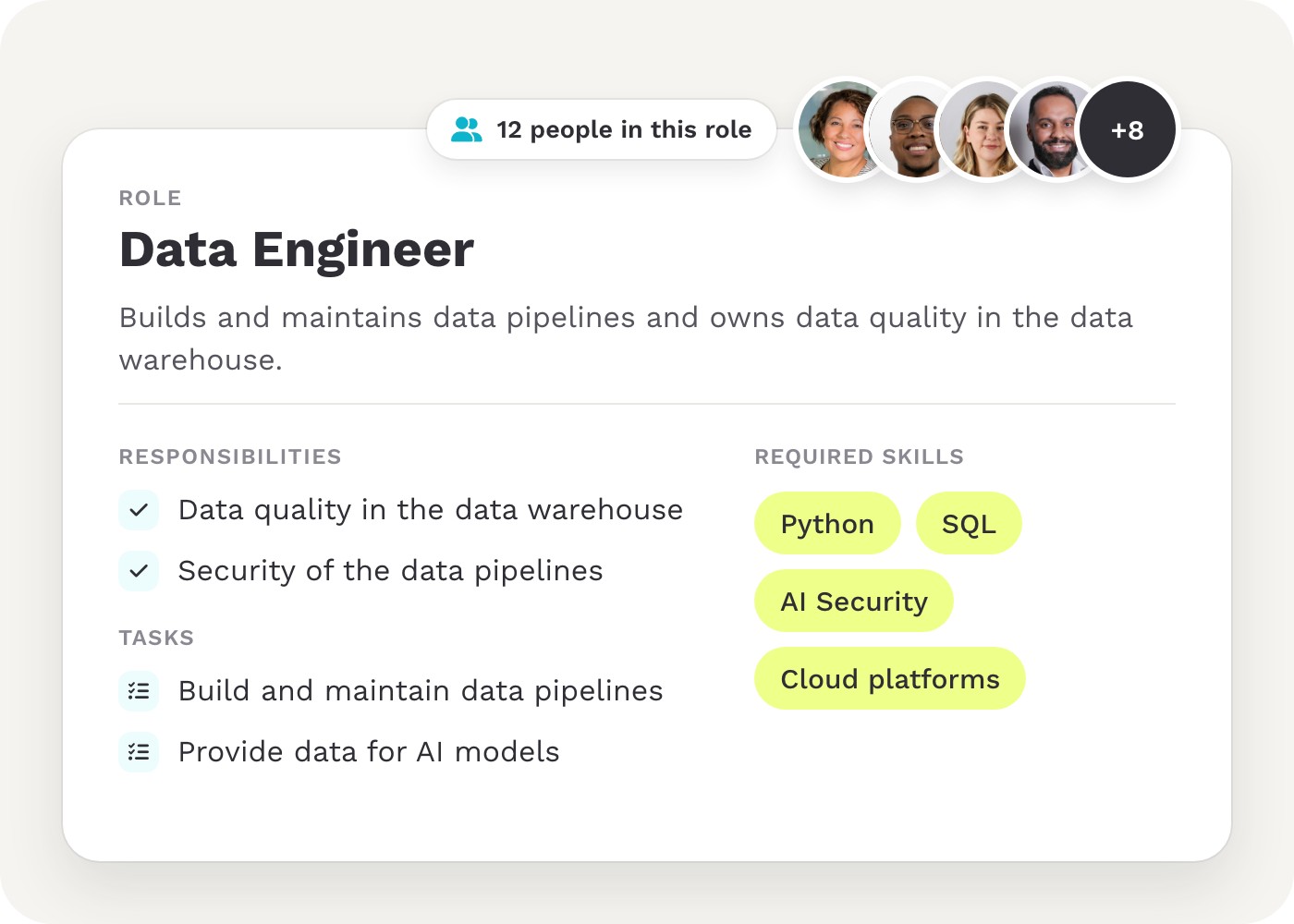
Each role brings together its responsibilities, tasks and required skills in one place. You can also see who holds the role.
Why role clarity matters
When people don’t know what’s expected of them, performance can suffer.
49%
of US employees say they clearly know what is expected of them at work, down from 61% in 2015.
Source: Gallup, Employee Engagement Remains Flat as AI Adoption Accelerates, July 21, 2026.
10%
higher productivity and 22% lower turnover are projected by Gallup if 8 in 10 employees know what’s expected of them, rather than half.
Source: Gallup, How to Measure Employee Engagement With the Q12, item Q01. Projection.
4–6%
of the differences in employee performance are associated with role clarity, according to research on role ambiguity and job performance.
Sources: Gilboa et al., Personnel Psychology (2008), p. 240; Tubre & Collins, Journal of Management (2000).
ROLE BY ROLE
One shared understanding of every role

HR
Keep every role in one place and review and approve each role before it enters the catalog.

Managers
Understand what is expected of each role in your team.

Employees
See which skills are expected for each of your roles and at what level.
Getting started
Start with your most important roles
Get started with a focused group of roles, such as those in your pilot group, and expand your catalog from there.

Step 1
We import your employee data and existing job descriptions into Teammeter.

Step 2
You review the AI-generated drafts for your priority roles and approve them.

Step 3
Your employees receive their roles and complete their skill profiles.
Step 4
Everyone can see what their roles require, while your role catalog grows over time.
Who this is for
Role architecture for four industries
Designed for HR managers and People Ops teams in organizations with 100+ employees, numerous specialist roles and evolving skill requirements.

IT and software
Make expectations clear for specialist roles across teams, from engineering to team leadership.

Healthcare
Turn existing competency and requirement profiles into roles with clearly described skill levels.

Retail
Define the skills and proficiency levels required for roles across headquarters and stores.

Manufacturing
Make the skills required for each production role clear and consistent.

We are a partner, not just a tool
Fast onboarding with a 30-day free trial, Customer Success and consulting on the rollout, and a setup your IT team can sign off on.

ISO 27001 certified

GDPR-compliant

Single Sign-On (SSO)

HRIS integrations
Frequently asked questions
Questions about role architecture
Yes. Paste an existing job description, and Teammeter suggests a role name, description, skills, tasks and responsibilities. HR can review and adjust the draft before approving it for the catalog.
Job architecture organizes an organization’s jobs by levels, salary bands and job descriptions. It supports hiring, compensation and workforce planning.
A role describes the responsibilities someone takes on within a team or project. One person can hold several roles. In Teammeter, the job someone was hired for is their first role.
Read more in How to create a scalable Job Architecture.

Turn job descriptions into clear roles
See in a 30-minute demo how Teammeter transforms an existing job description into a role everyone in your organization can understand.