Upskilling and Reskilling
Upskilling with focus. Build the skills your business needs with your existing workforce.
59 out of 100 employees will need training by 2030. Teammeter shows you who needs to learn what for your company to reach its goals.
- Learning that pays into business goals
- One action per gap, with target level and start date
- Progress you can report to the board
⭐ 4.7/5 on Capterra • 🔒 ISO 27001 certified • 🇩🇪 Hosted in Germany • 🔗 HRIS integrations














KEY CONCEPTS
Companies? Skill-based. Development? Targeted.
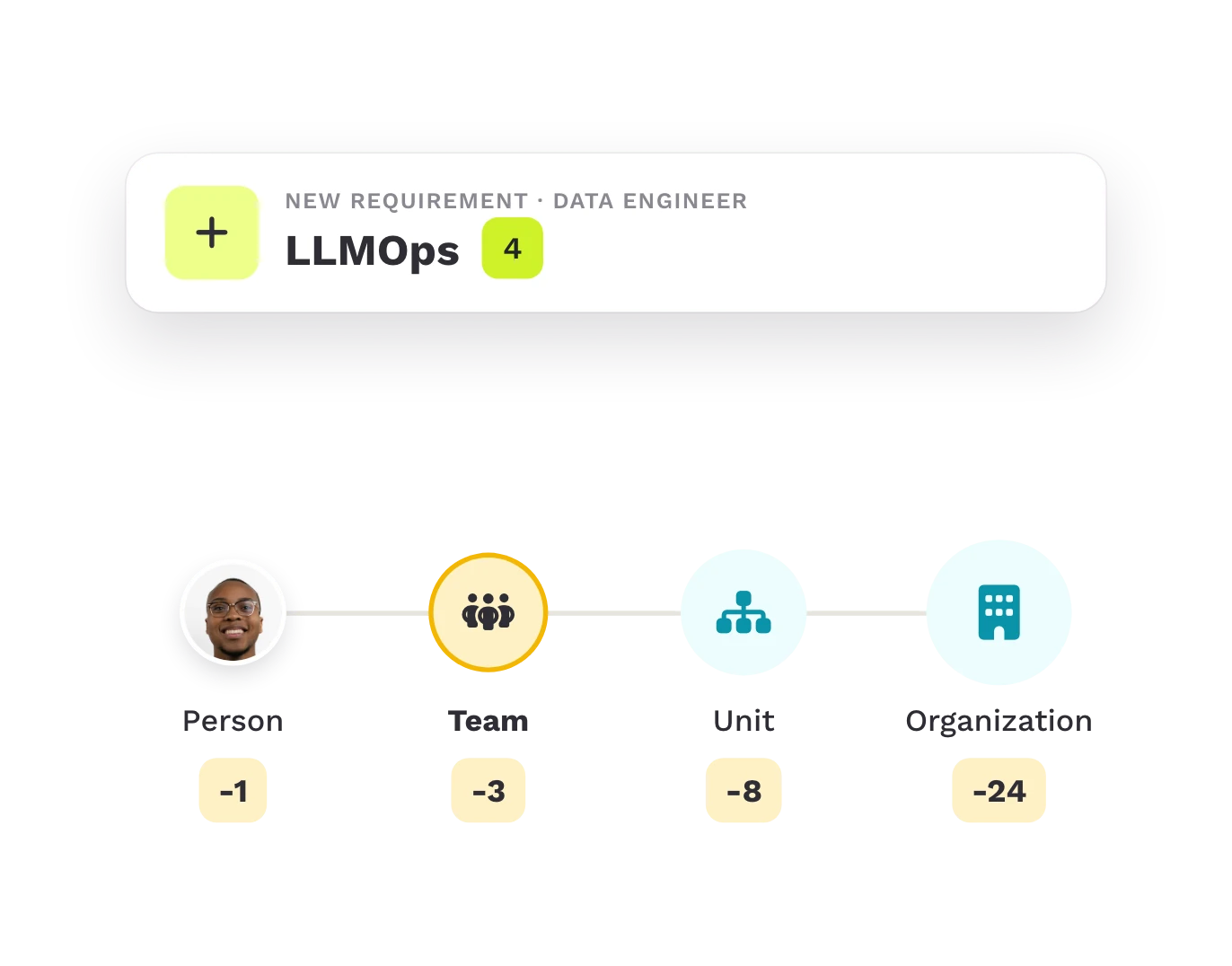
Gaps exist at every level and are computed the same way at each: needed minus current.
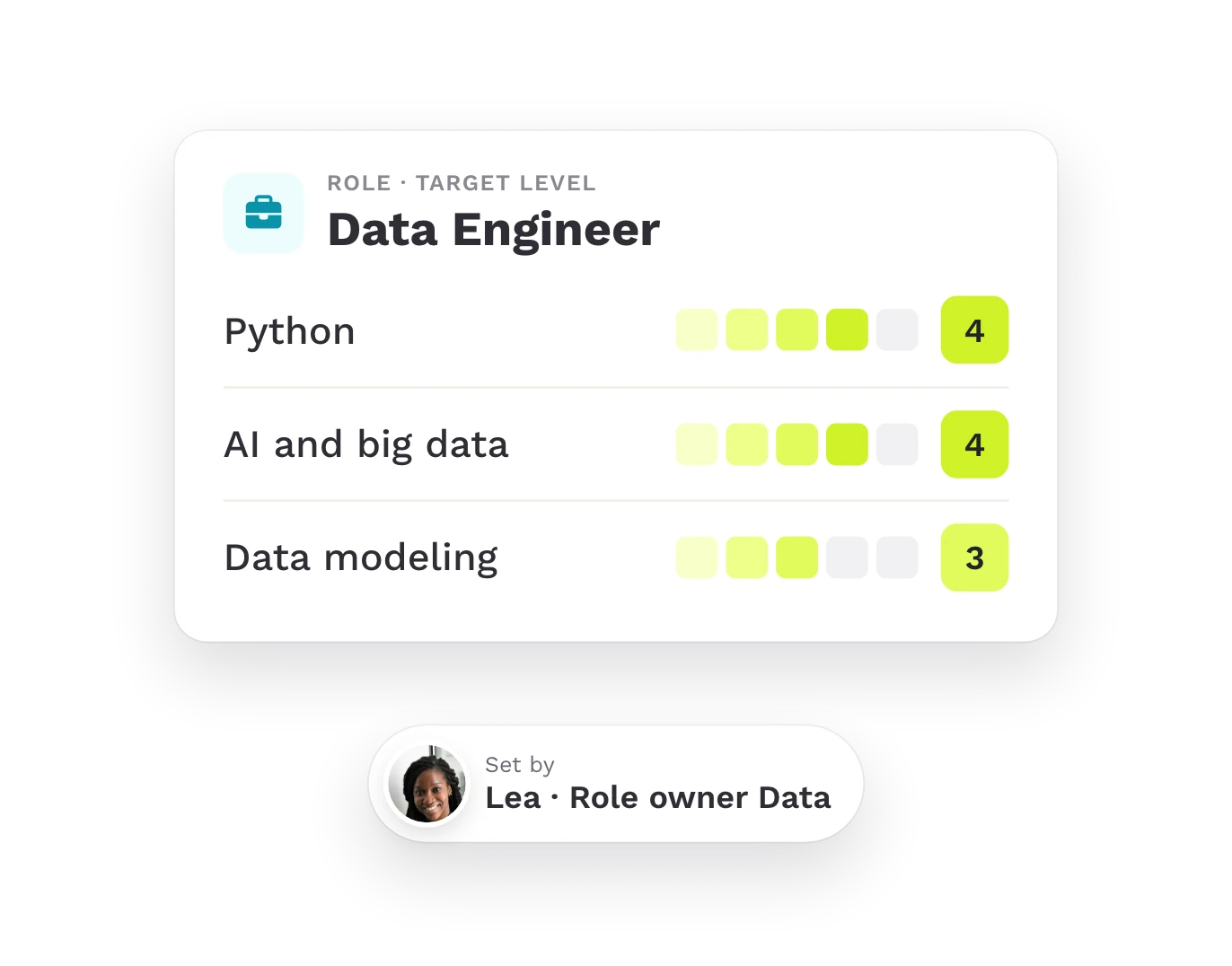
Required skills
For each role, the skills that role owners in the business domains define as necessary for success.
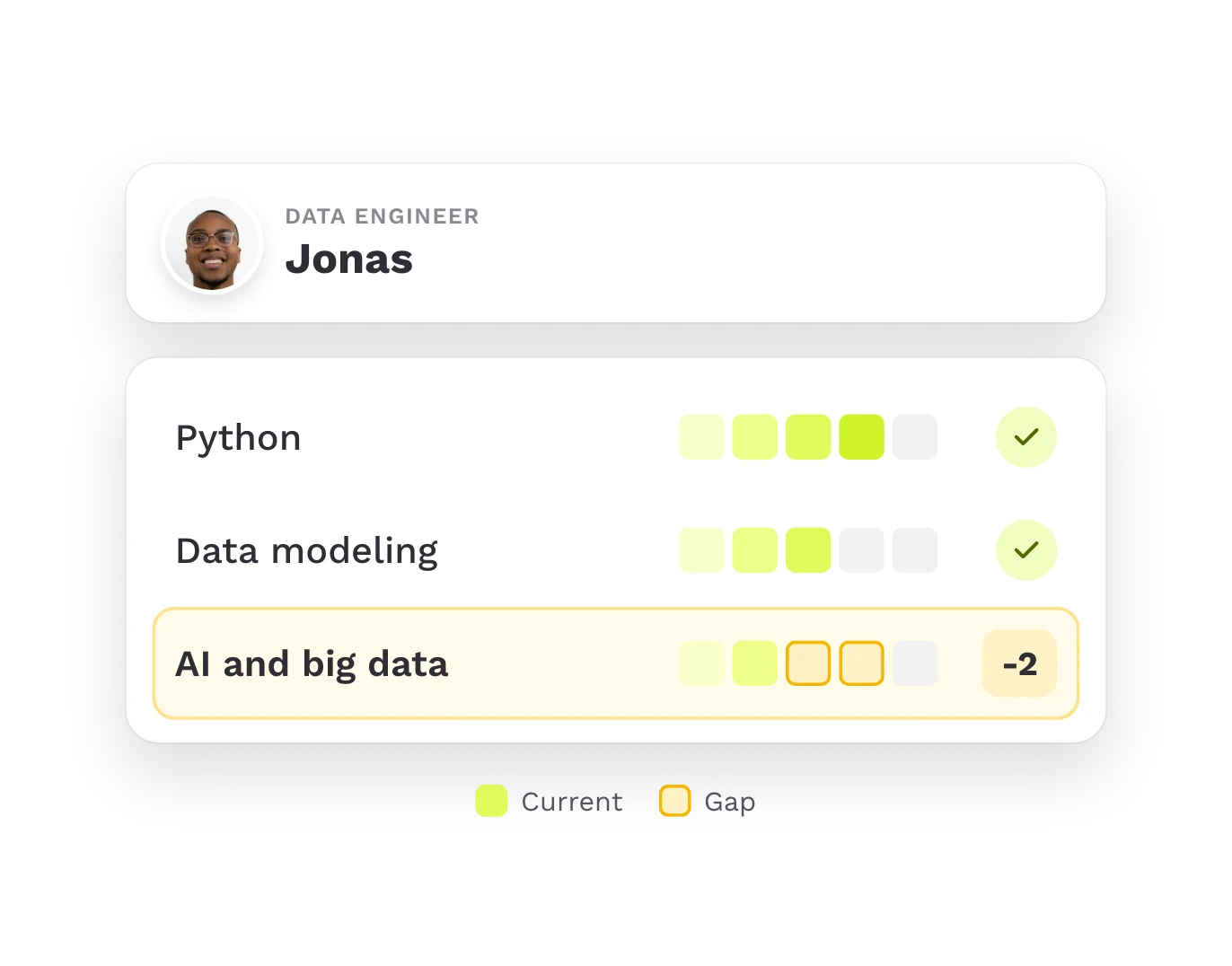
Skill gap
The difference between the skills a role, team, unit, or organization needs and the skills it currently has.
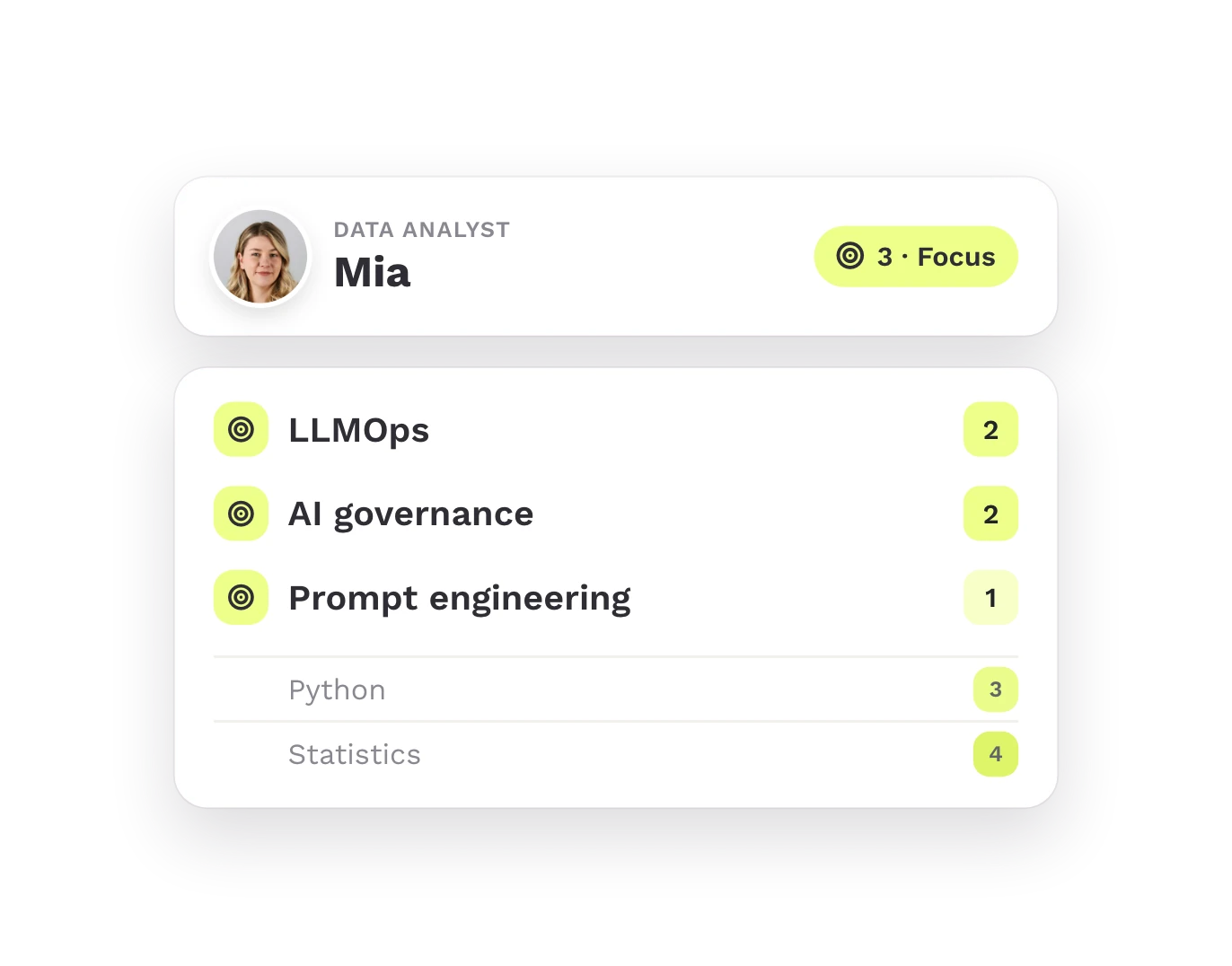
Focus skills
Skills a person or a group (team, unit, organization) has deliberately chosen to prioritize for development, on top of whatever gap exists.
See it in action
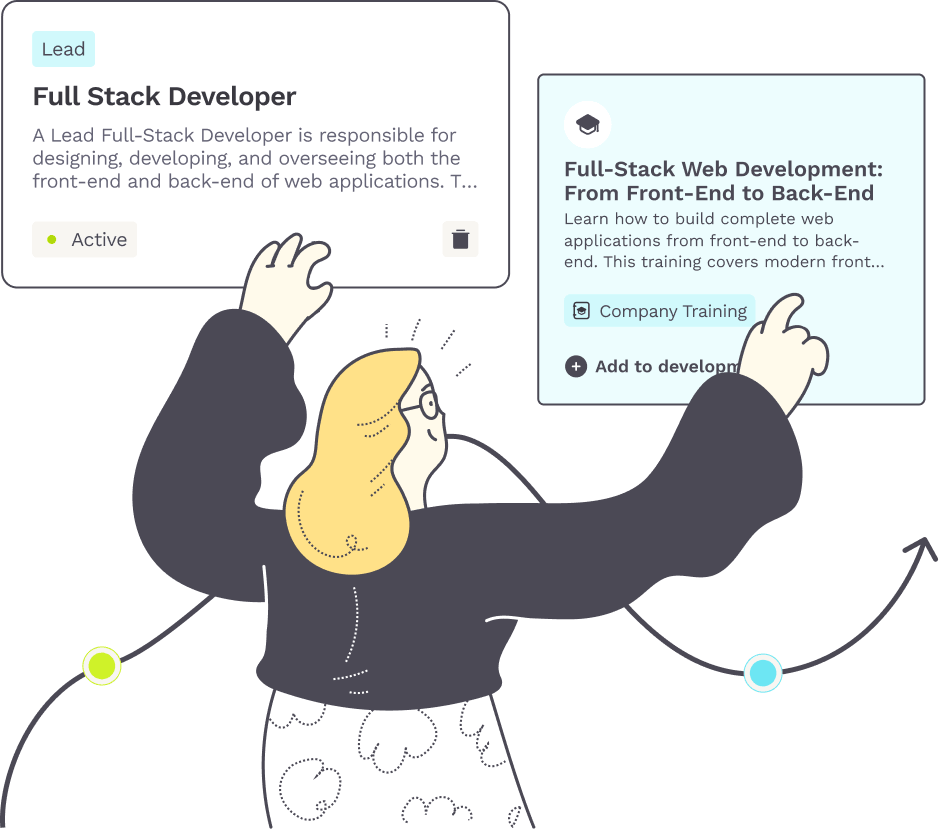
Turn each role’s needs into development
Upskilling means building the skills your roles need, with your existing workforce.
Explore each step:
STEP 1
More agility
By adapting your existing workforce to new technology and demands. Role owners define the required skills per role, team leads per team, and Teammeter computes the gap at every level: individual, team, unit and organization.
STEP 2
More resilience
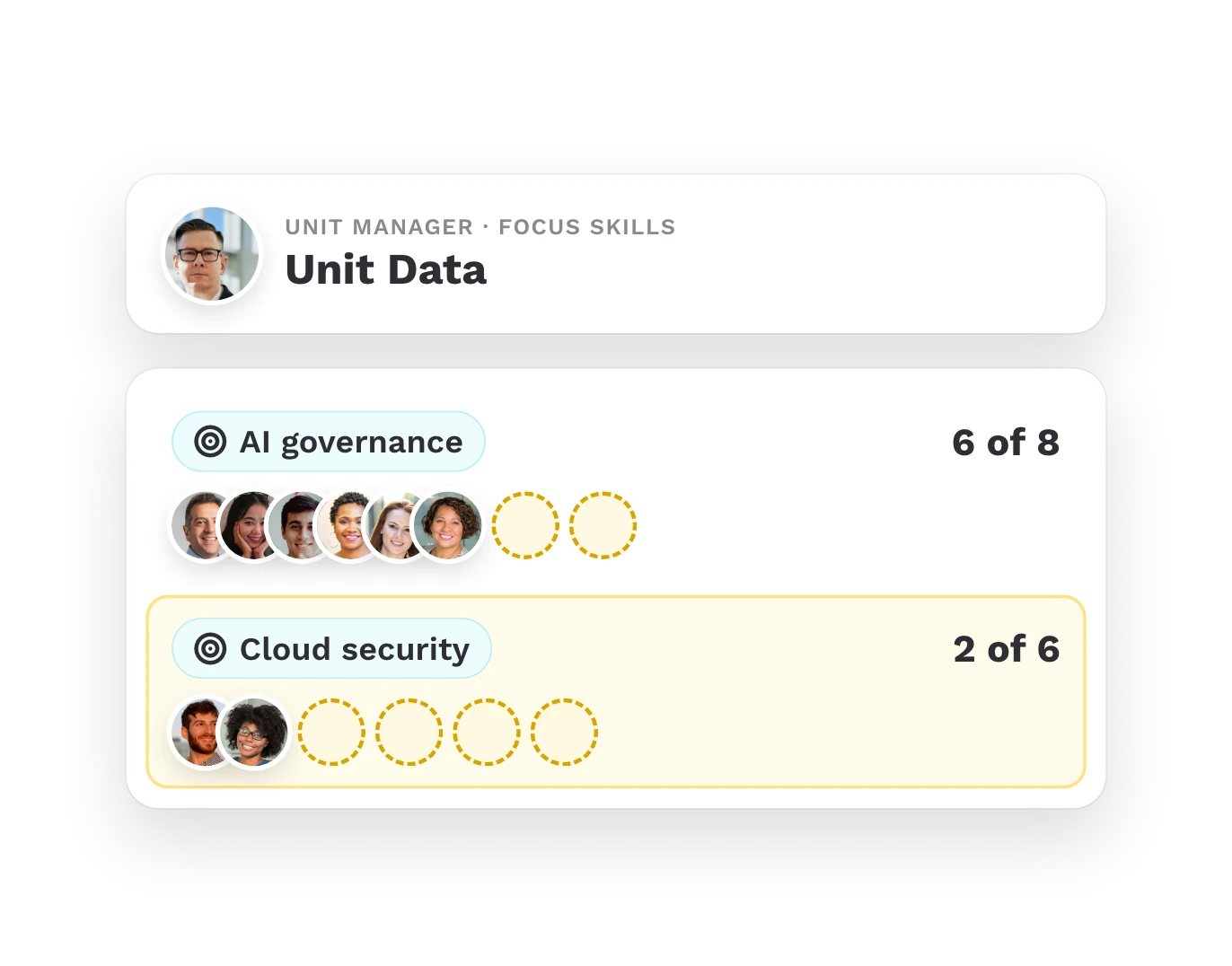
By setting focus skills where the business needs them. Team leads and unit managers decide which skills to focus on, and unit managers see per focus skill how many people are developing it, against the required headcount.
STEP 3
Lower talent costs
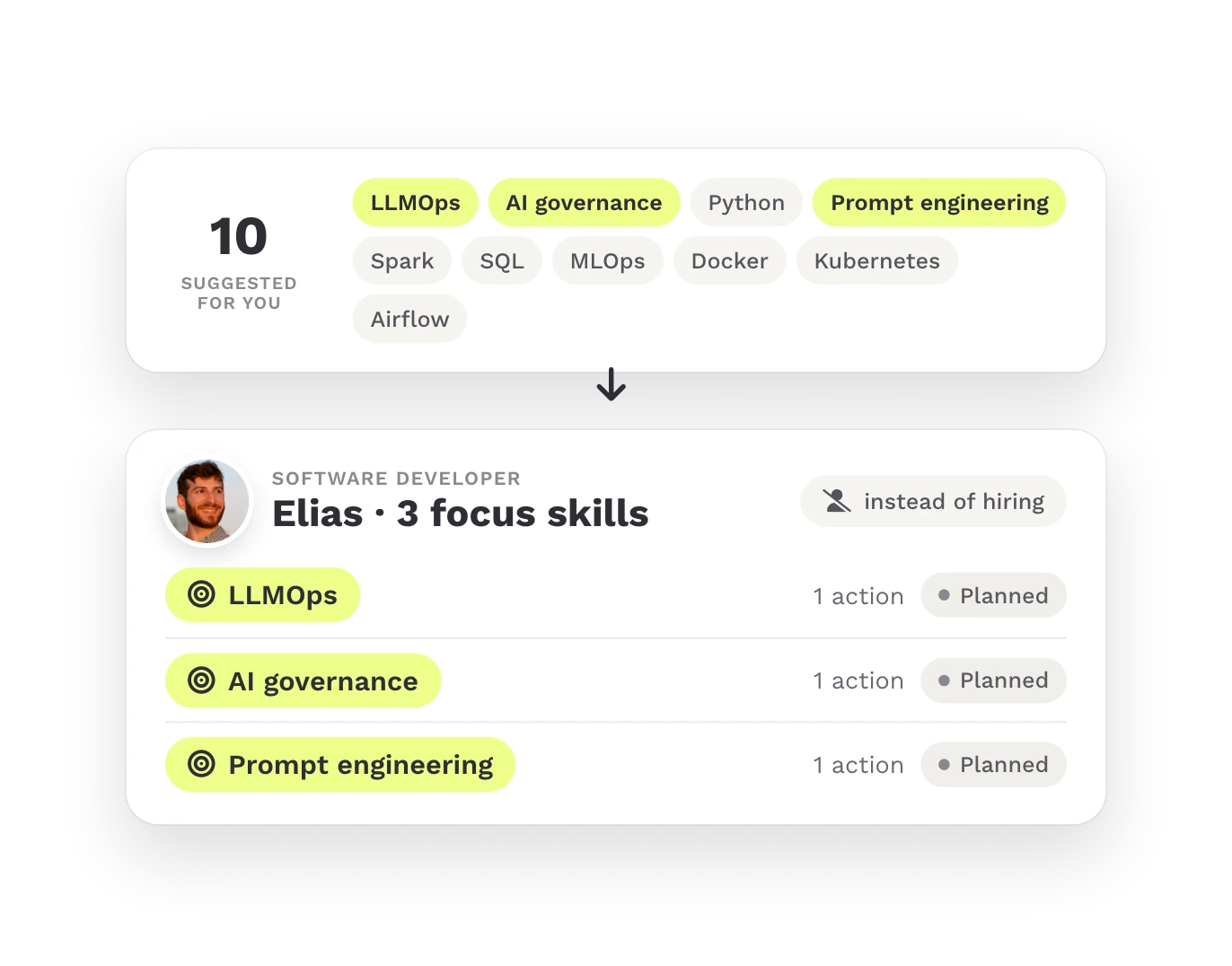
By developing your existing workforce instead of relying on costly external hiring. Each employee gets the top 10 skills to develop, chooses 3 focus skills for the year and creates one development action per focus skill.
STEP 4
Better retention
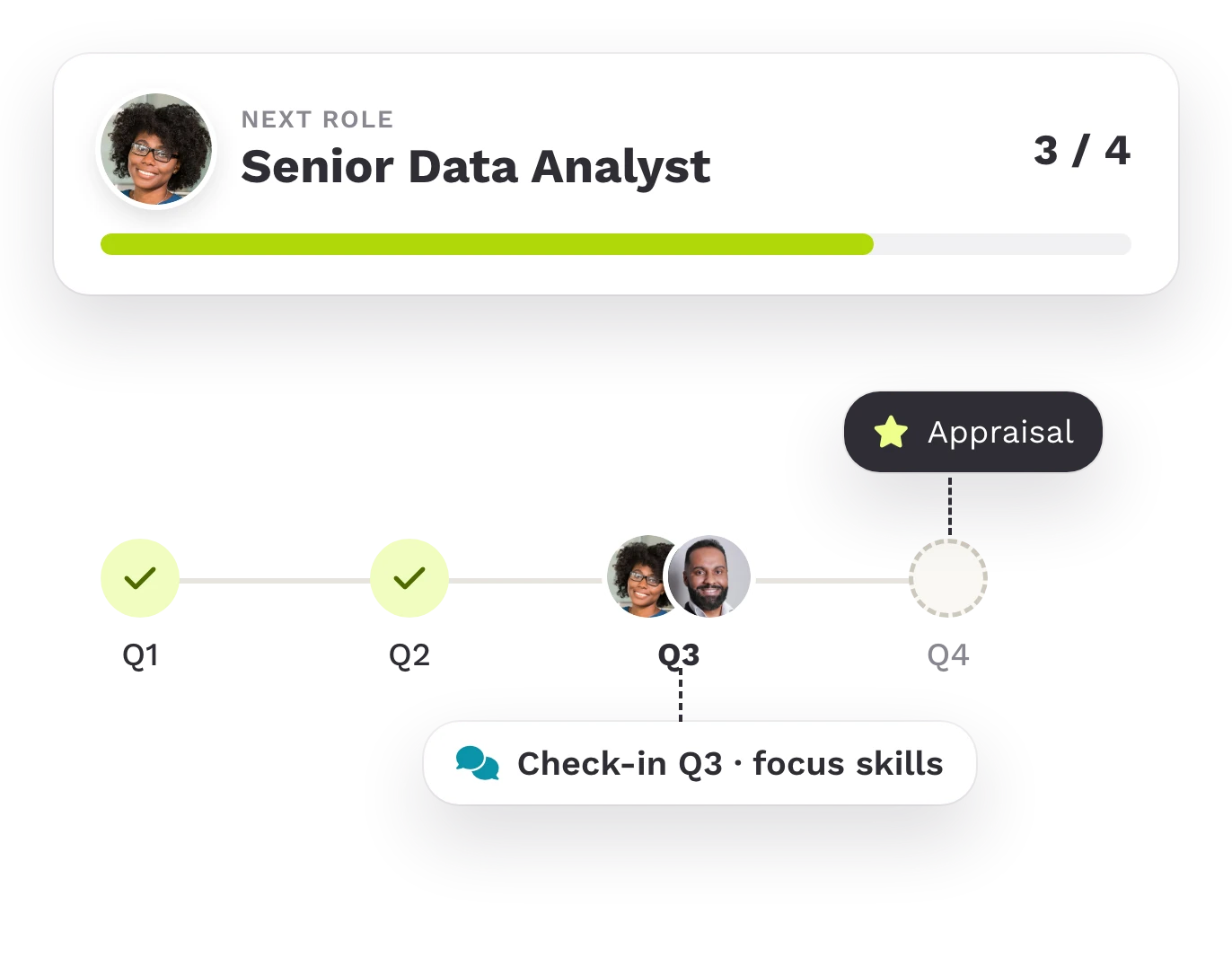
By letting people grow toward the role they want next and see their development recognized. Employee and manager review the focus skills every quarter, and the actions are part of the appraisal meeting.
HOW IT WORKS
Teammeter provides a loop
From requirements to the quarterly check-in, and back. Teammeter can also measure the impact of training.

Define requirements
Unit managers define focus skills and target headcount, role owners the required skills per role, team leads the required skills per team.

Compute gaps
Regular reminders keep skill profiles up to date. Teammeter compares needed vs. current skills at every level: individual, team, unit and organization.

Choose focus
Team leads and unit managers set their focus. Each employee gets the top 10 skills to develop, selects 3 focus skills for the year and plans one action per skill.

Check in quarterly
Team leads, managers and unit managers see progress against the required headcount. Every quarter, employee and manager review the focus skills.
TRUSTED BY HR TEAMS
How our customers steer development
Three teams on how they decide what their people develop next.
“We use it to define which competencies people want to acquire in the next six months. We ask them to choose a maximum of five or six, for which they want to move from level 3 to level 4, for example.”

ABV Development
Co-founder and HR
“We can see where our focus lies and where we want to develop it.”

Grouplink
HR & People
“The training side is very interesting for us, especially the mandatory training that comes round once or twice a year. That is great for the overview HR needs.”

Braintower
Teamlead Developer
What the studies measure
Training pays off when it starts in the right place.
49%
more likely are skills-based organizations to make their processes more efficient.
Deloitte, 2022, p. 6
3x
Organizations that tailor learning to the individual are nearly three times as likely to report better business and human outcomes.
Deloitte, 2026, p. 61
77%
of employers expect training to raise productivity above all.
WEF, 2025, p. 48
ROLE BY ROLE
What each role gets out of it

Employees
Grow toward the role you want next, stay relevant, and have your development effort recognized.

Team leads
Your team has the skills it needs to keep delivering.

Managers
Develop your people, retain talent, and show that your team’s growth is on track.

Unit and company leaders
You can measure how strategic skills are being built.

Role owners
Make sure the people in your domain have the skills to succeed, so the outcomes you are accountable for get delivered reliably.
Getting started
Achieve your first results in a short time with Teammeter.

Step 1
Import your employee data, CVs and trainings.

Step 2
You see the skill gaps per role, team and unit right away.

Step 3
Your people choose their focus skills and plan their first actions.
30-day free trial · No commitment · No credit card
Who this is for
Four industries, one question each

IT and software
Bring people up to speed on new technology before client projects ask for it.

Consulting and engineering
Build expertise for new fields with your existing workforce.

Manufacturing
Reskill people from the shop floor for automated equipment.

Retail and consumer brands
Prepare teams for new processes and tools.

What you get besides the software
Fast onboarding with a 30-day free trial, Customer Success and consulting on the rollout, and a setup your IT team can sign off on.

ISO 27001 certified

GDPR-compliant

Single Sign-On (SSO)

HRIS integrations
Frequently asked questions
Questions about upskilling and reskilling
Yes. Employee data comes from your HR system, for example from Personio. Skill profiles are built from imported CVs.
Yes. We import your existing lists at the start, and you can export the data to Excel at any time.
Yes. Teammeter shows who needs to learn what, and the courses stay in your LMS. Completed trainings can be imported from the LMS.
Yes. Teammeter measures the impact of training: you see per team and per unit whether the gap gets smaller.
Teammeter is ISO 27001 certified, GDPR compliant and hosted in Germany, with single sign-on and HRIS integrations. The details are in the section above.

See the skill gap per role on a real screen
In 30 minutes you see how the gap per role turns into a development plan.