
Project Staffing
Find qualified people. Staff projects faster. Reduce the risk of failure.
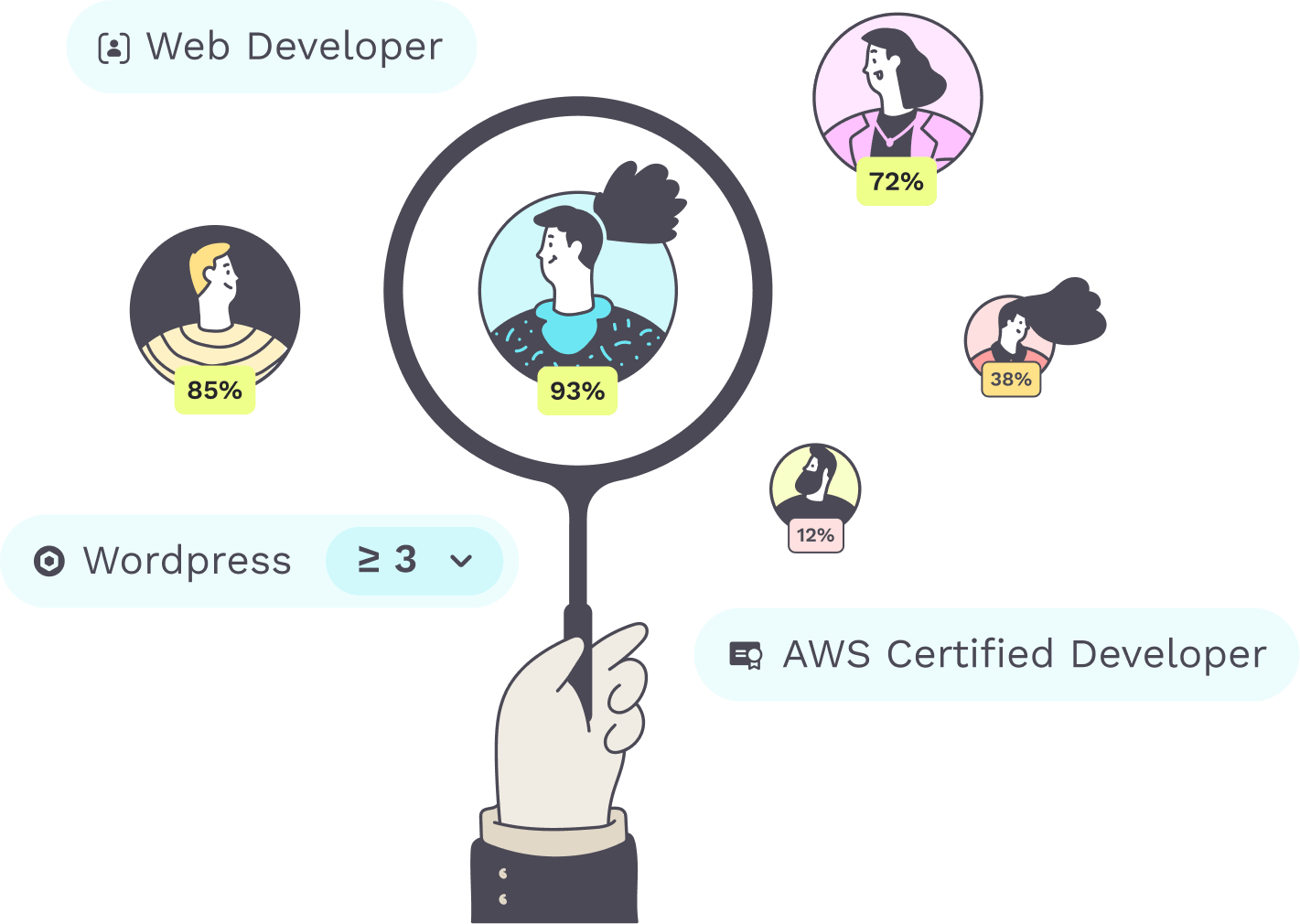
Teammeter shows you in one search who has the skills for a project role at the level it needs, across all teams and sites.
- The right people across the whole organization
- CVs and certificates for every role
- Post internal openings faster
⭐ 4.7/5 on Capterra • 🔒 ISO 27001 certified • 🇩🇪 Hosted in Germany • 🔗 HRIS integrations














See it in action
Match project requirements with your teams’ skills
You staff projects by skills and level, not by gut feeling or personal networks.
Explore each step:
STEP 1
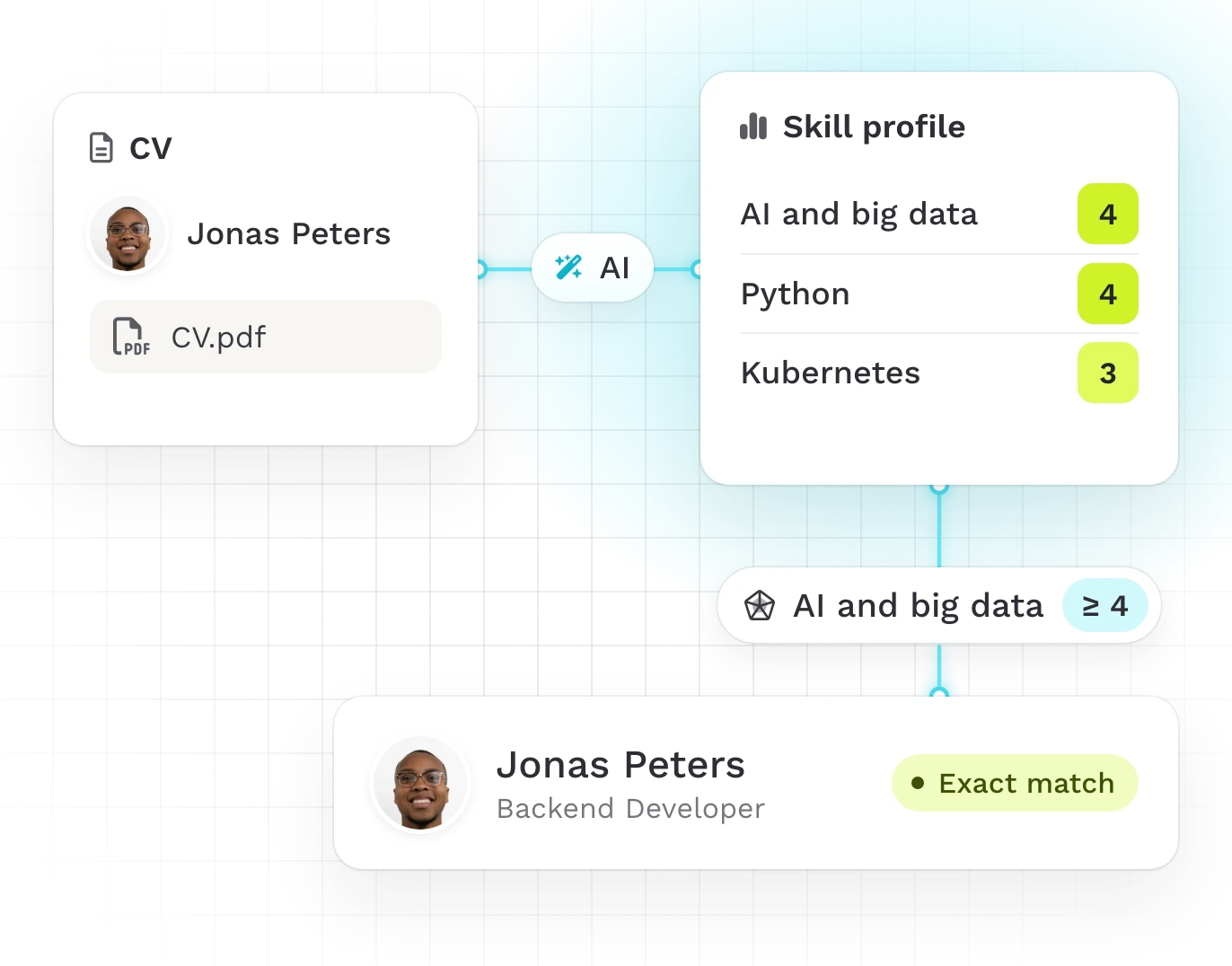
Increase staffing speed and accuracy
By giving managers a searchable, up-to-date view of who has which skills. Skill profiles are built from imported CVs, so finding the right person no longer takes manual searching across teams, emails or spreadsheets, and no staffing decision rests on outdated assumptions.

Automated data import for enterprise customers
STEP 2
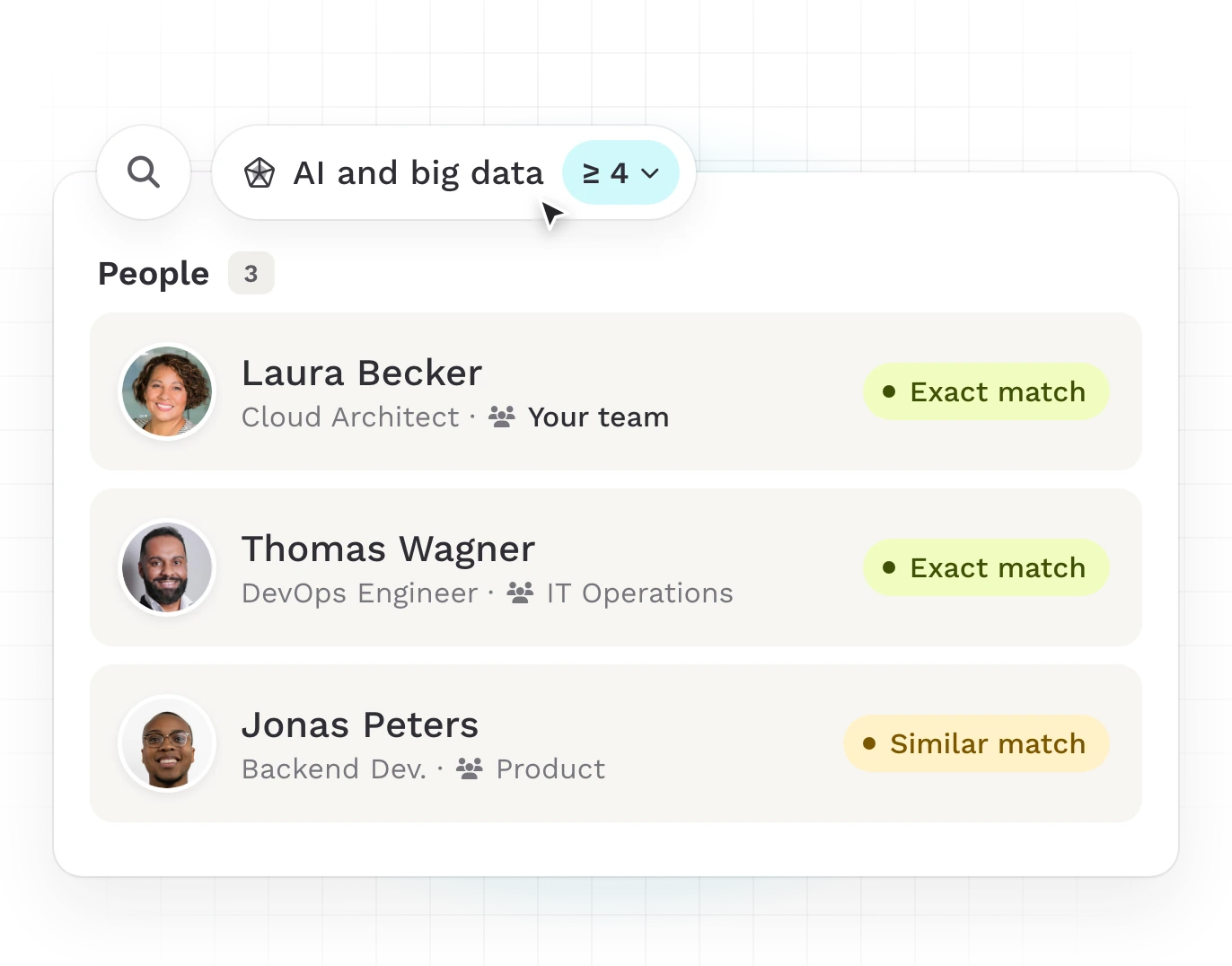
Improve resource utilization
By surfacing underused talent instead of always relying on the same visible experts. The search shows qualified people across all teams, including people with related skills, so a small pool of known experts is no longer overloaded while other qualified people sit idle.
STEP 3
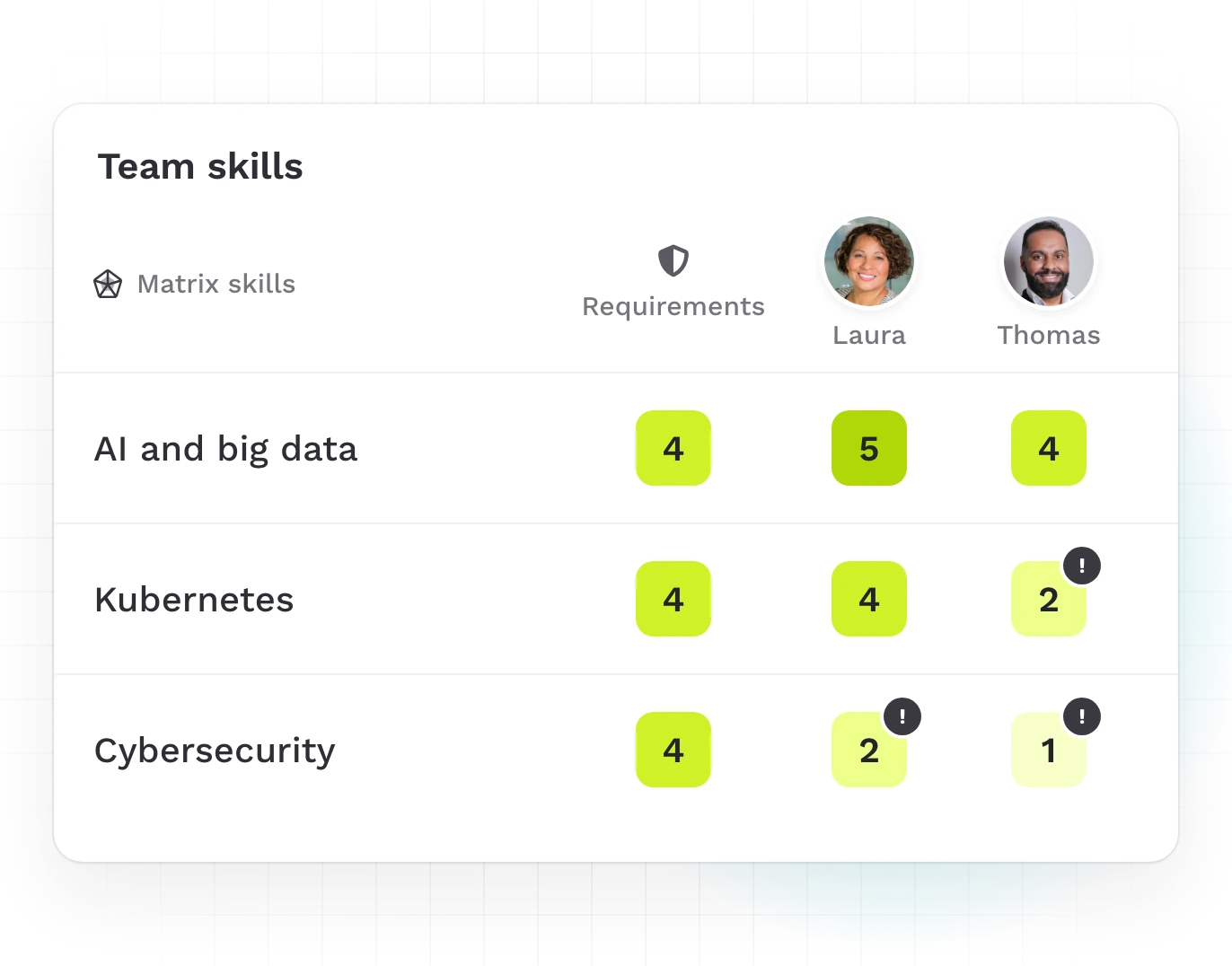
Reduce delivery risk
By matching project requirements to verified competence levels before staffing. You see every mismatch between the required and the actual level before it turns into a quality or delivery risk.
STEP 4
Enable proactive workforce planning
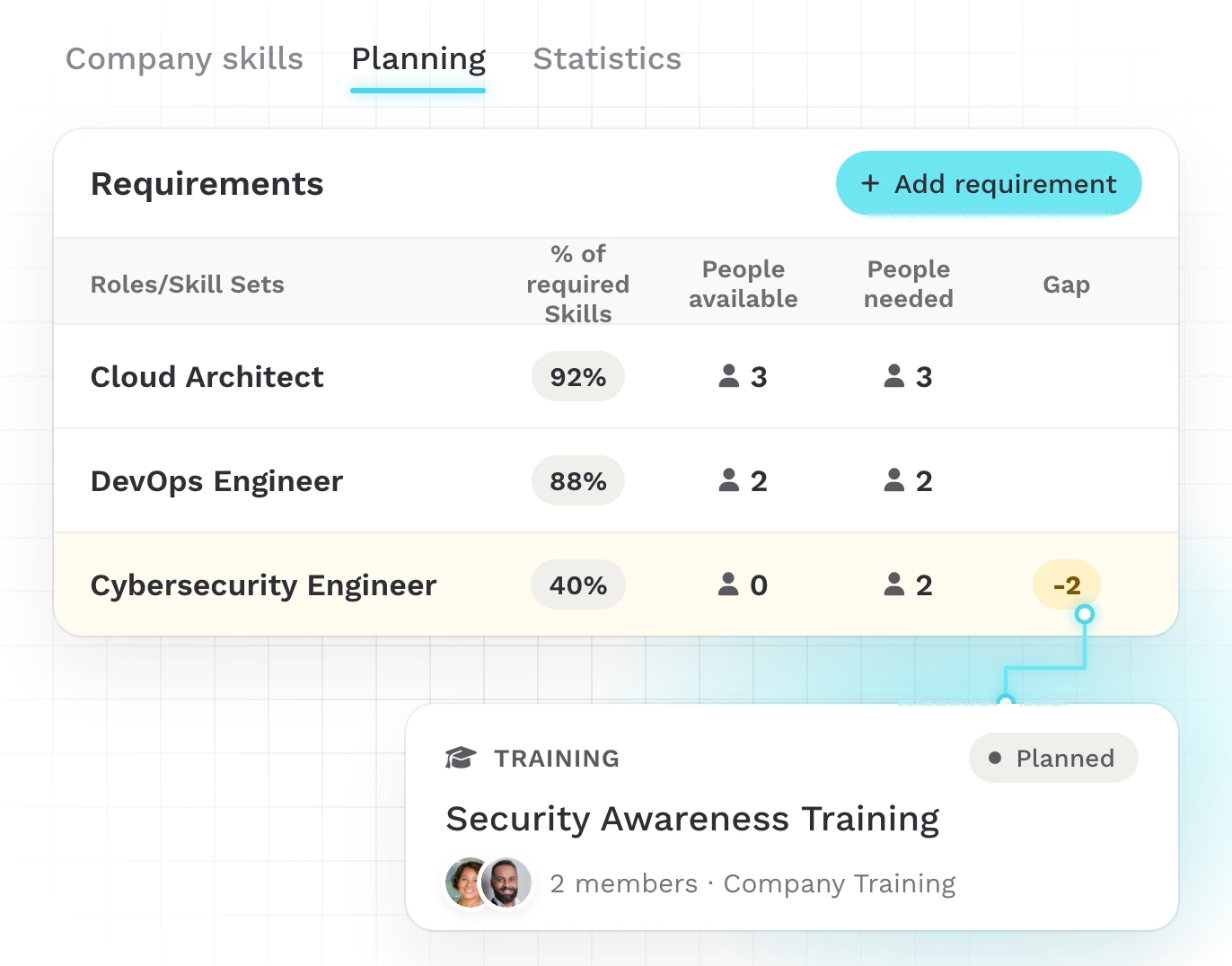
By forecasting skill gaps against the project pipeline. Gaps for upcoming projects show up early enough to train or hire in time, not once the project is underway.
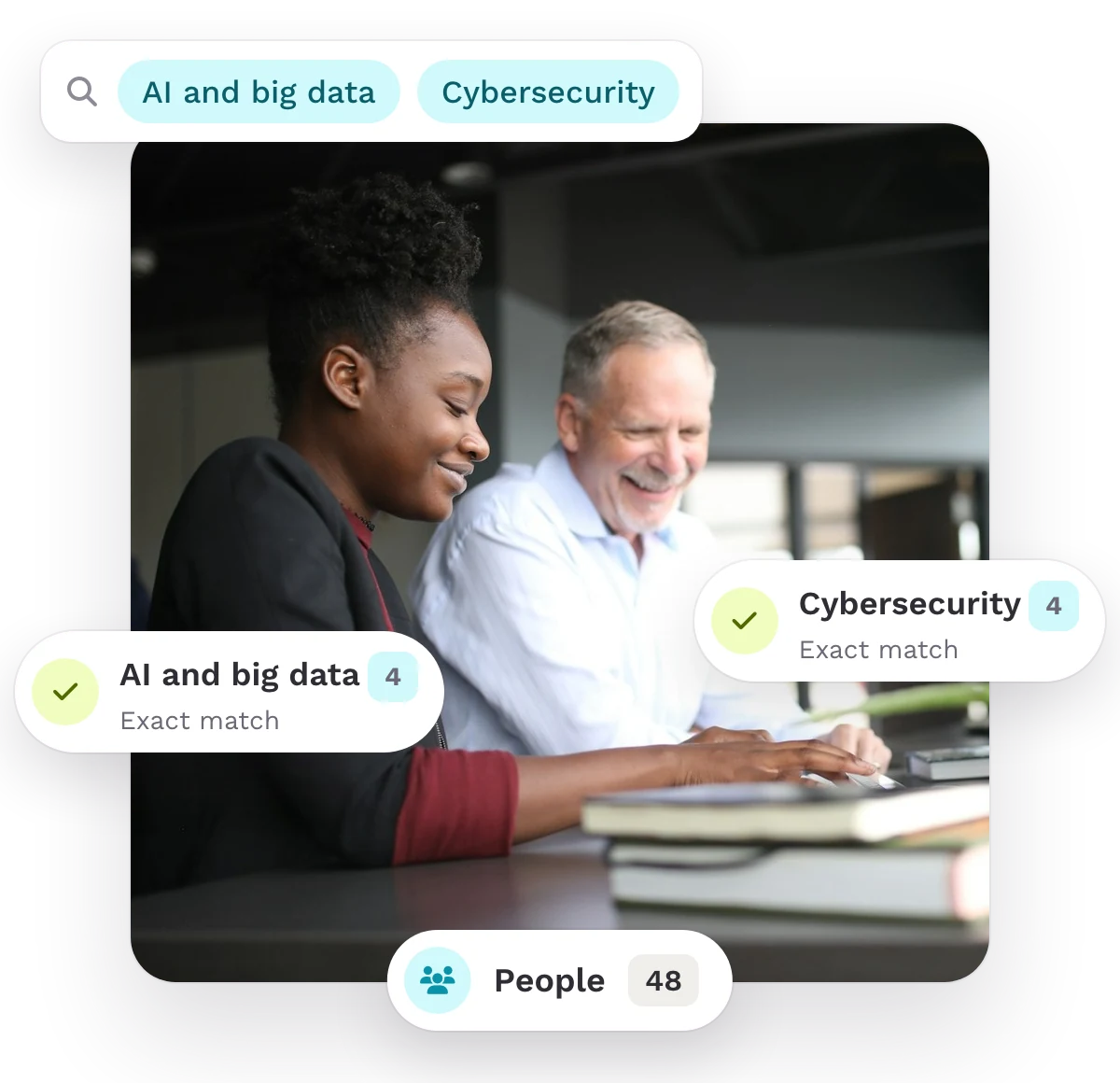
Skill-based visibility across the whole organization.
In large organizations, the right person often works in another unit. Teammeter makes skills visible across all teams and sites, so every project lead finds the people who fit.
- Visibility per skill: each person decides whether a skill is visible to their manager, their team or the whole organization.
- Search the whole organization: filter by skills, level and role, and see exact and close matches from every unit.
- Opportunities for every unit: HR publishes project roles for a single unit or the whole company, and employees apply directly.
TRUSTED BY HR TEAMS
Customers making skills visible across teams
This is what our customers love about project staffing with Teammeter:
“For our project office, it means we can look and see that someone can do this too, which we had no idea about, and that they could support there as well.”

Anna Schröder
Project Office · Grouplink
“We want our people to look across teams and departments and see who has a given skill, so they can find the right contact directly. We have a very broad tech stack, and it is not always clear who the best person is.”

Michel Wagner
Teamlead Developer · Braintower
What targeted staffing delivers
Targeted staffing pays into project value and margin.
33%
more valuable is a match when a company deliberately places people in projects by profile and task, compared with random assignment.
7.5%
more margin for projects staffed internally than with external contractors.
107%
more likely are skills-based organizations to place talent effectively.
ROLE BY ROLE
One shared picture for HR, PMO and leadership

HR
Spend training budgets where they count, because you see which skills your project roles are missing.

PMO
HR and the PMO share one overview of skill gaps.

Leadership
See for which upcoming projects the organization has the skills, and where they are missing.
Getting started
Achieve your first results in a short time with Teammeter.
Staff projects and see the first ROI immediately after importing CVs.

Step 1
Import your employees’ CVs.

Step 2
You staff the first projects.

Step 3
You spot the skill gaps for the next projects.
Who this is for
Four industries, four staffing jobs
For HR leaders, PMOs and executives in organizations with 200 or more employees that staff projects across teams and sites.

Consulting and engineering
Build the team for a new project or tender from the expertise you already have.

IT and software
Fill each role on a client project with the right technical skills, even when the expert sits in another team.

Manufacturing
Find the qualifications each project role needs, across all your sites.

Retail and consumer brands
Build project teams around the skills they need.

We are a partner, not just a tool
Fast onboarding with a 30-day free trial, Customer Success and consulting on the rollout, and a setup your IT team can sign off on.

ISO 27001 certified

GDPR-compliant

Single Sign-On (SSO)

HRIS integrations
Frequently asked questions
Questions about project staffing
Yes. Employee data comes from your HR system, for example Personio or SAP. Skill profiles are built from imported CVs.
Yes. We import your existing lists at the start, and you can export the data to Excel at any time.
Teammeter is ISO 27001 certified, GDPR compliant and hosted in Germany, with single sign-on and HRIS integrations. The details are in the section above.

Staff your next project with the right people.
In 30 minutes, see how a project role turns into a list of CVs and certificates.