
Certificate management
Your people certified. Your organization audit-ready.
Teammeter keeps every certificate and its proof in one place and makes sure enough people in every team stay certified.
 Hosted in Germany
🔗HRIS integrations














BENEFITS
Certificates that belong with your skill data
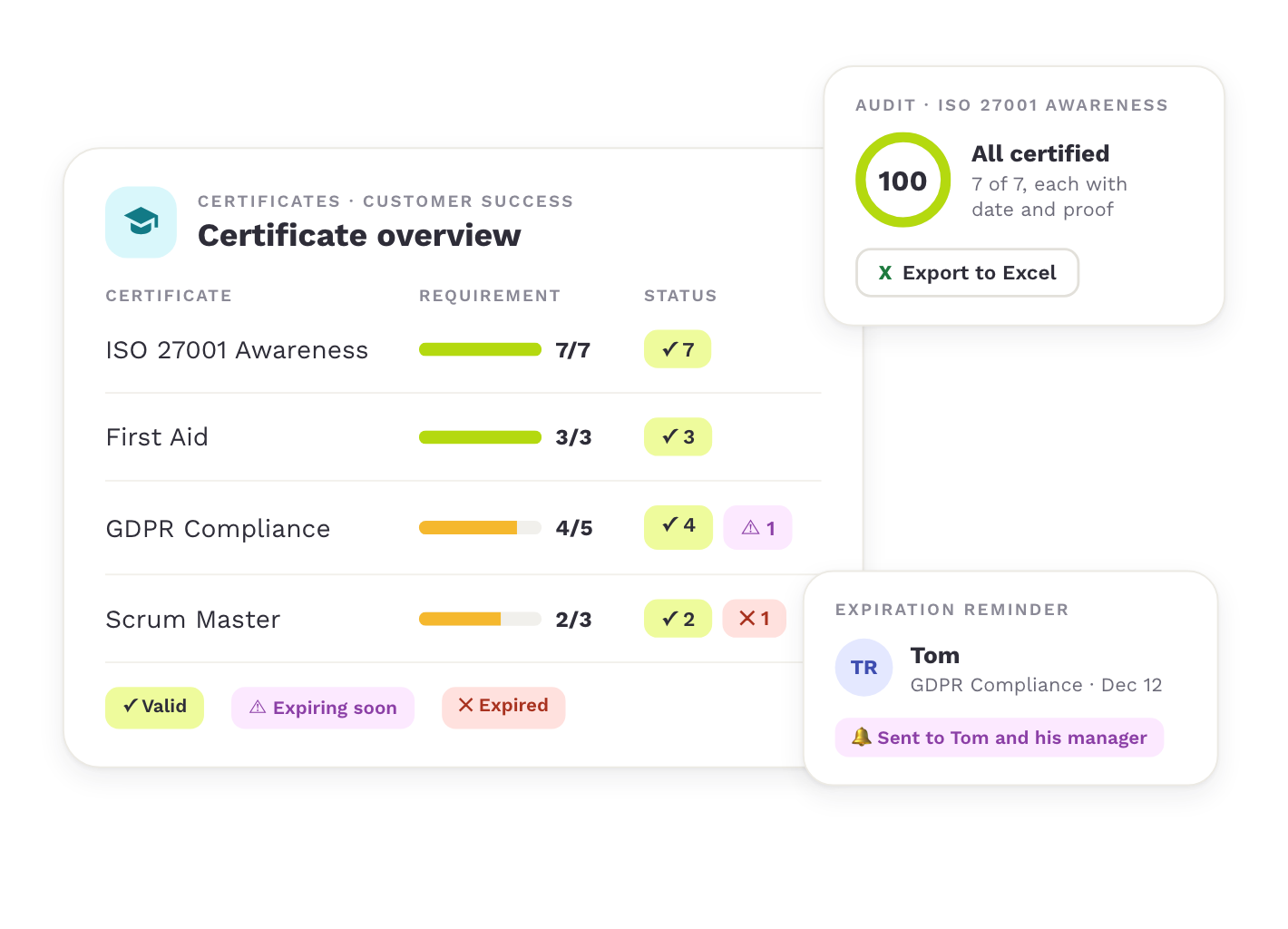
In many companies, certificates sit in inboxes and Excel lists, apart from the skills, and every audit starts with a search. Teammeter keeps them complete, current and connected to your skill data, so you can prove compliance whenever someone asks.
Audit-ready at any time
Certificates and mandatory trainings sit with their dates and documents, so you can prove compliance to an auditor, customer or partner on request. Explore certification & compliance tracking

Automatic reminders
Teammeter reminds employees and their managers weeks before a certificate expires, so renewals happen on time without anyone maintaining a date list.
Always enough people certified
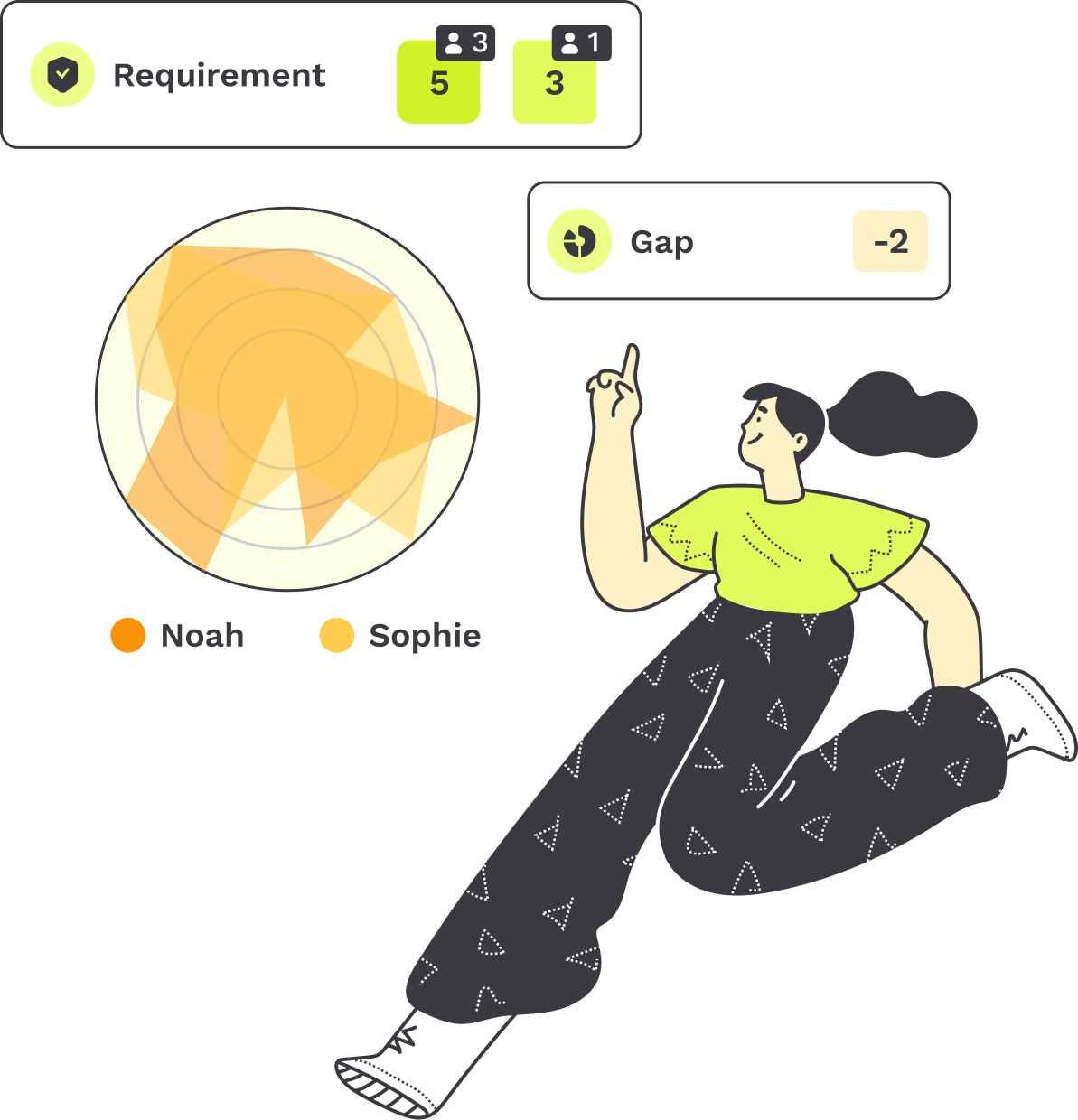
Set how many people need each certificate, like 5 of 7 in a team, and see at once where coverage falls short.

Connected to skills
Every certificate lists the skills it confirms and can add them to the skill profile, so certificates and skills no longer live apart.
See it in action
From the first entry to the renewal
From entry to proof to renewal, Teammeter follows every certificate over its whole validity. This is how it works, step by step.
Explore each step:
STEP 1
Add certificates
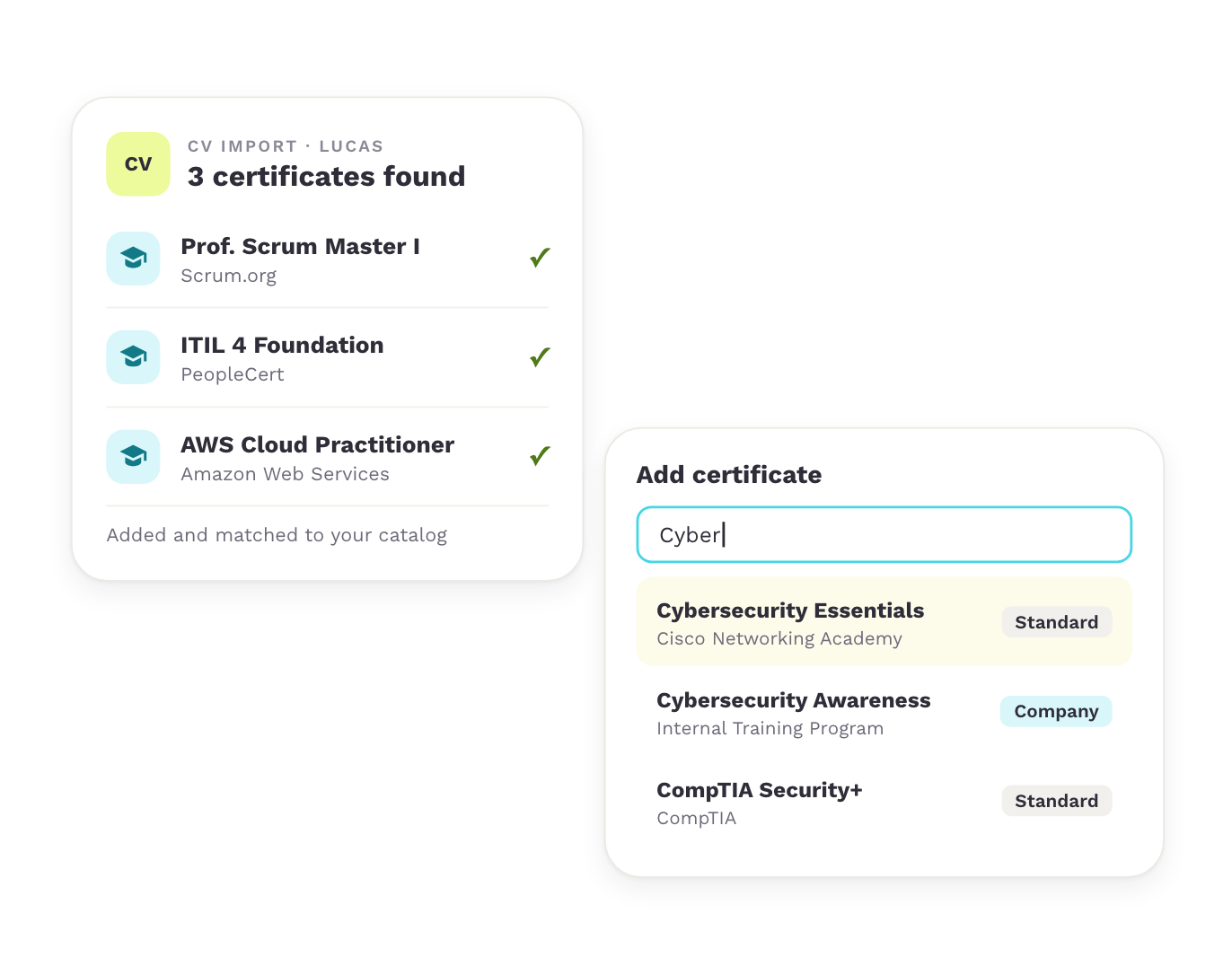
When employees set up their profile, they import their CV, and Teammeter adds the certificates it finds. For any other certificate, they type the first letters and Teammeter suggests matches from your company catalog and the standard catalog.
Capabilities

Certificates imported from the CV
Suggestions from company and standard catalogs
Provider and skills filled in
STEP 2
Add the proof
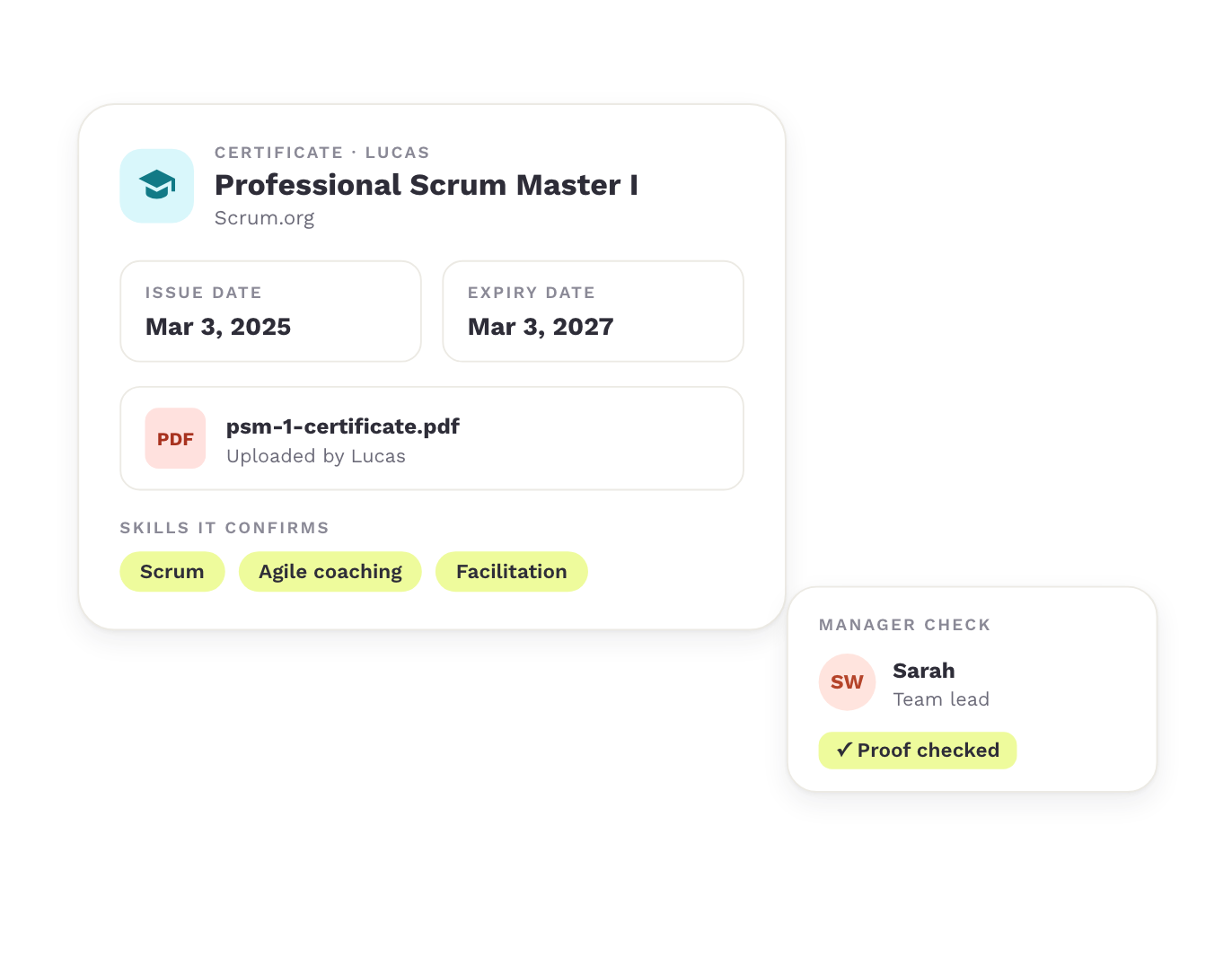
Every certificate comes with an issue date, an expiry date and the document. The employee or their manager uploads it, and the manager can check it.
Capabilities
Issue and expiry date per certificate
Upload in the profile or in the training matrix
Manager check
STEP 3
Set requirements
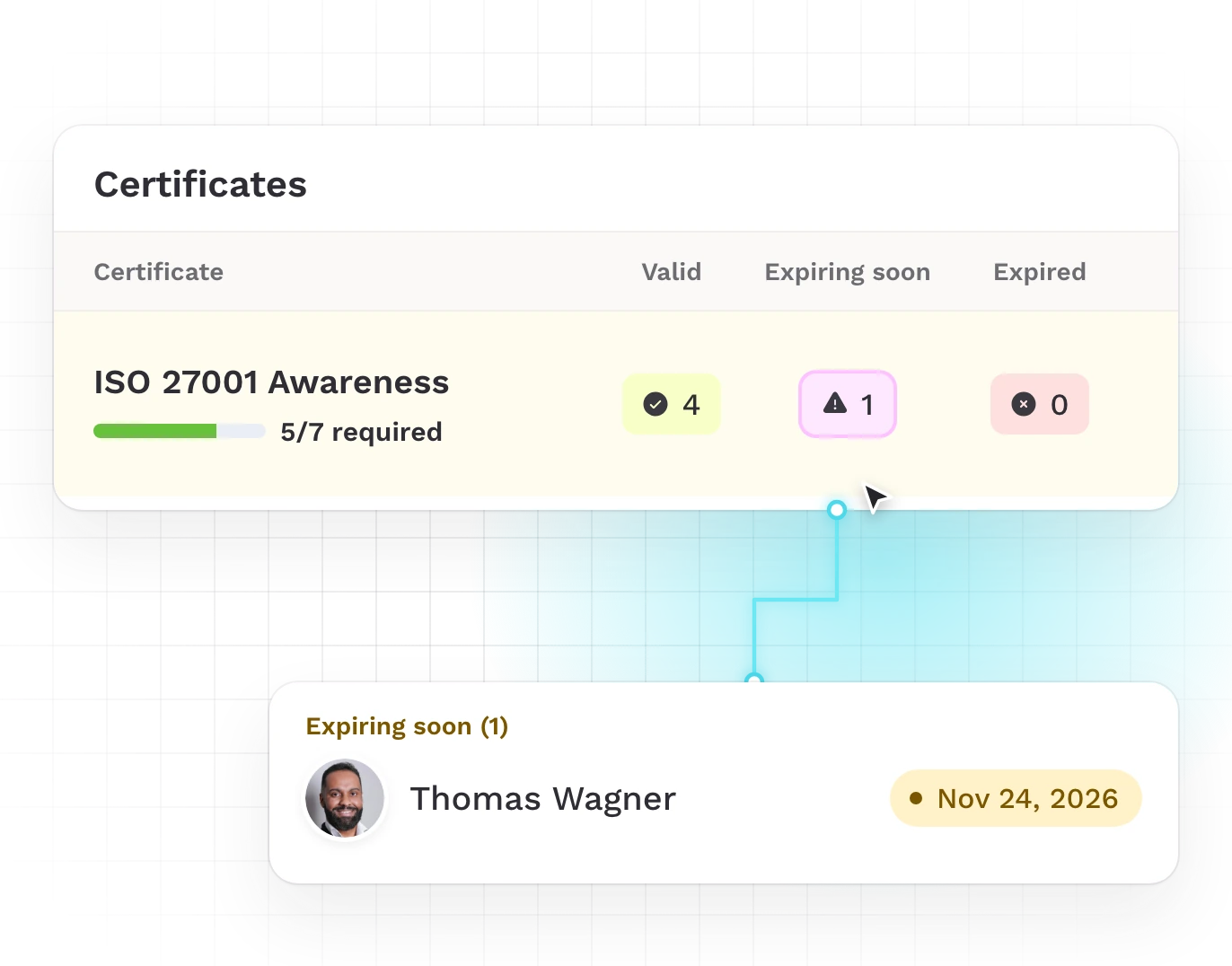
Set for each certificate how many people need it, like 5 of 7 in a team. Every valid certificate counts against that requirement.
Capabilities
A requirement per certificate
Coverage per team and site
The names behind every number
STEP 4
Stay ahead of expiry
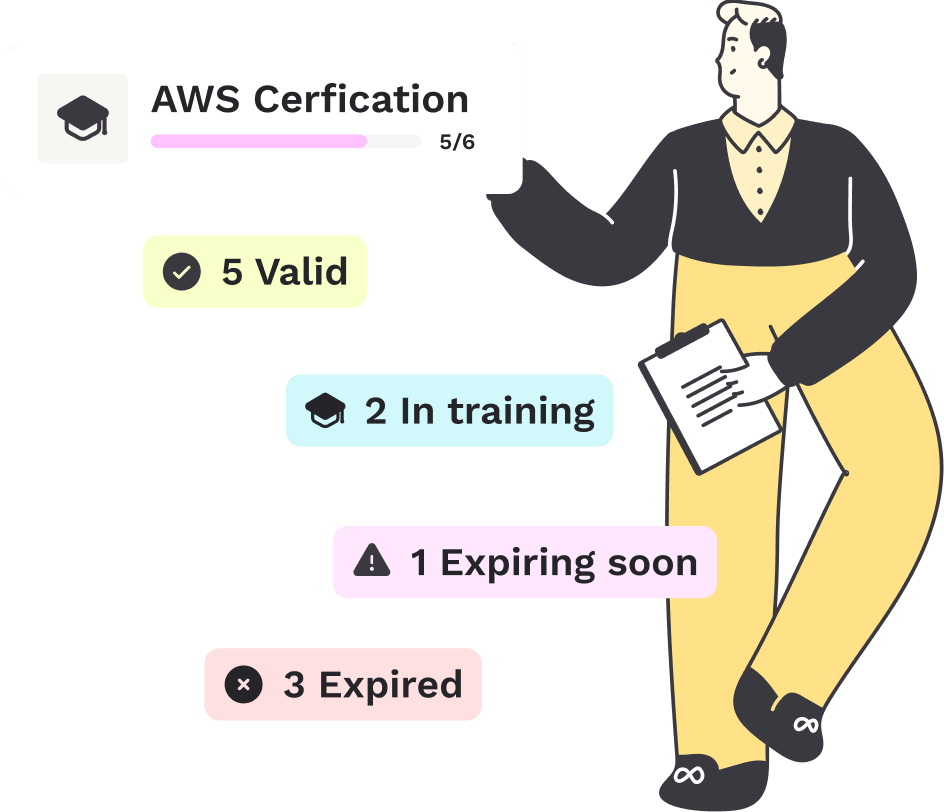
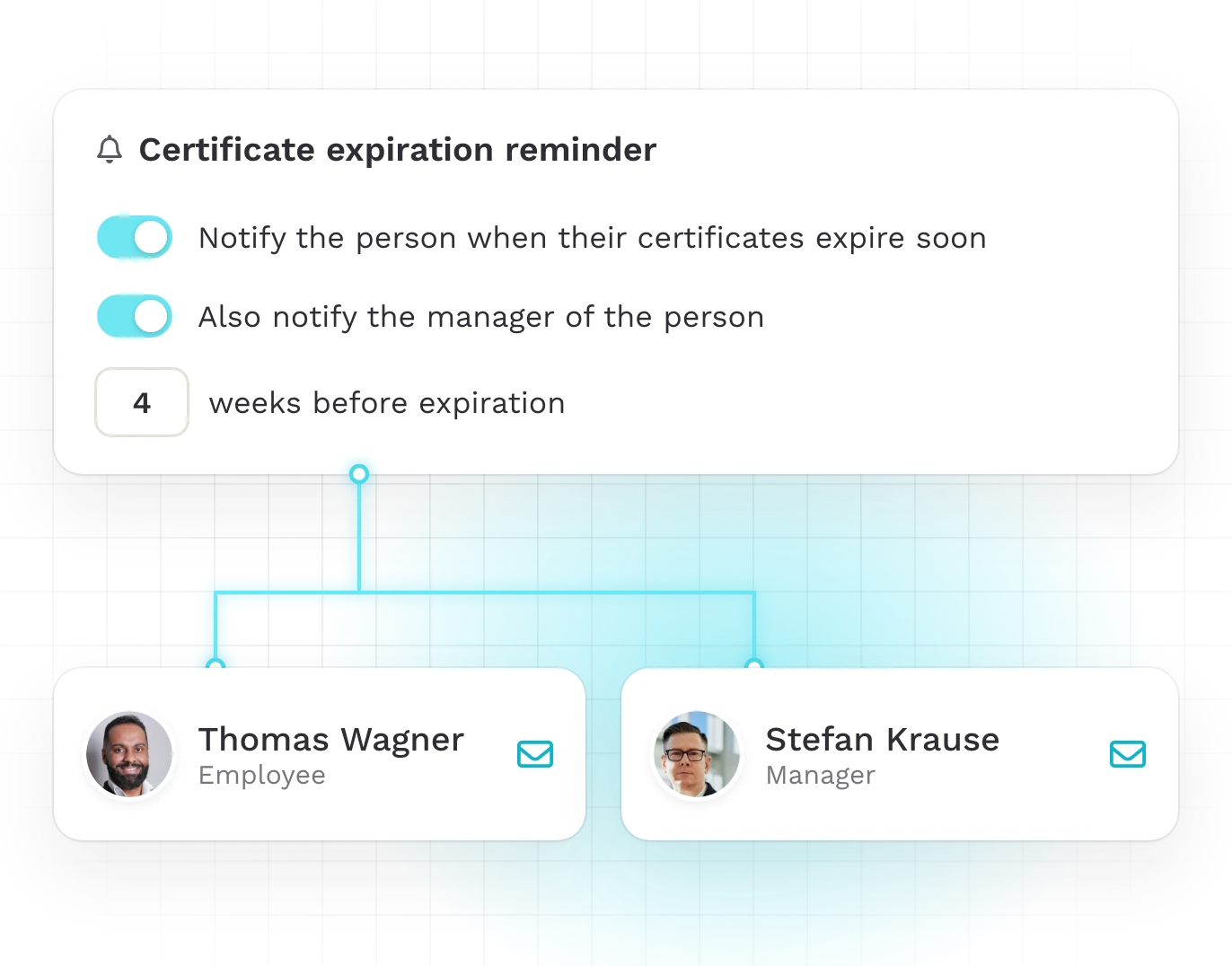
Teammeter reminds the employee and their manager weeks before a certificate expires. The status shows at a glance who is certified, whose certificate expires soon and where one is missing.
Capabilities
Expiration reminder
Status per person and certificate
No date list to maintain
STEP 5
Keep the catalog clean
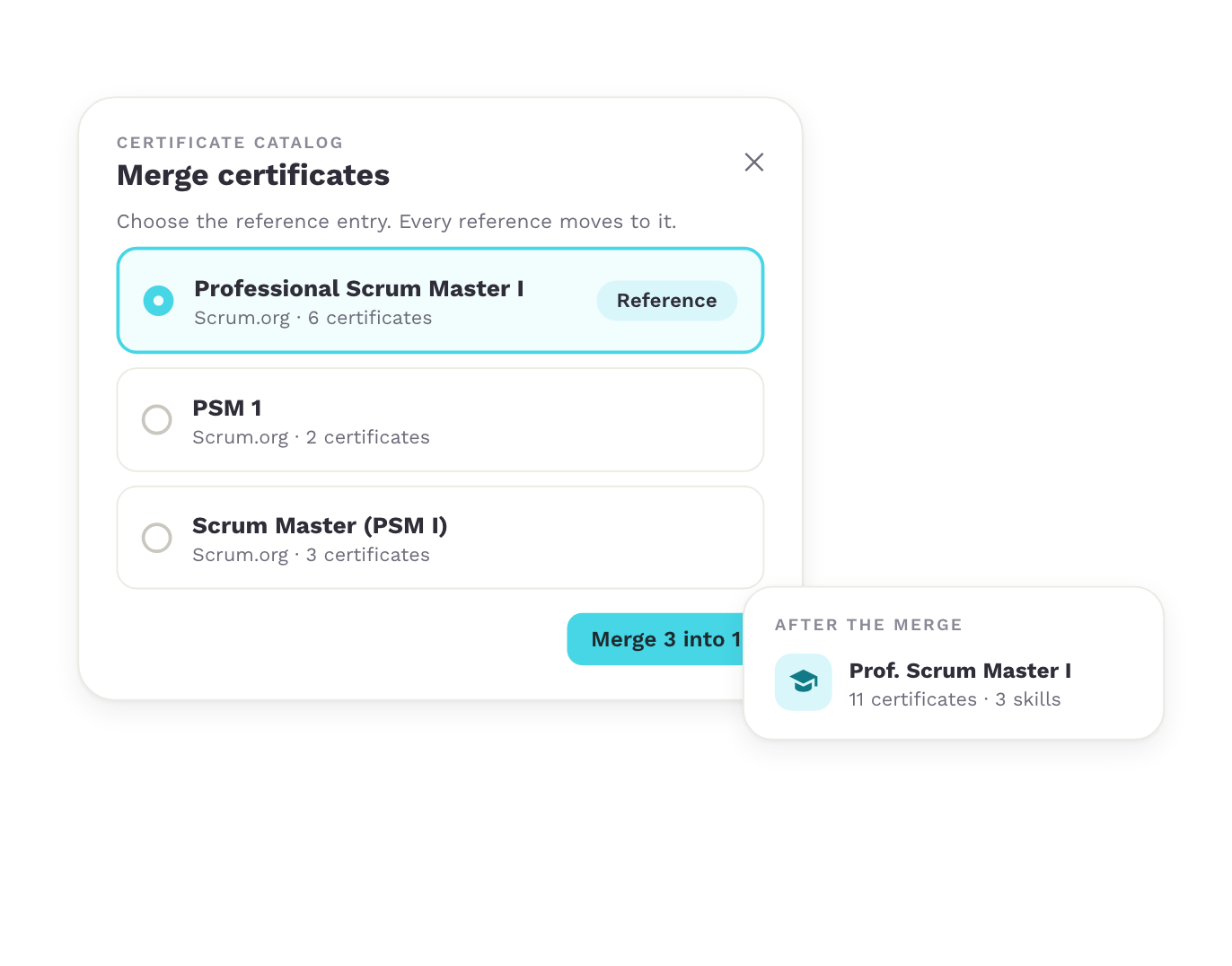
The skill catalog admin adds, renames or deletes certificate types. Certificates and providers entered twice are merged into one entry, and every reference moves to the reference entry.
Capabilities
Manage certificate types
Merge certificates
Merge providers
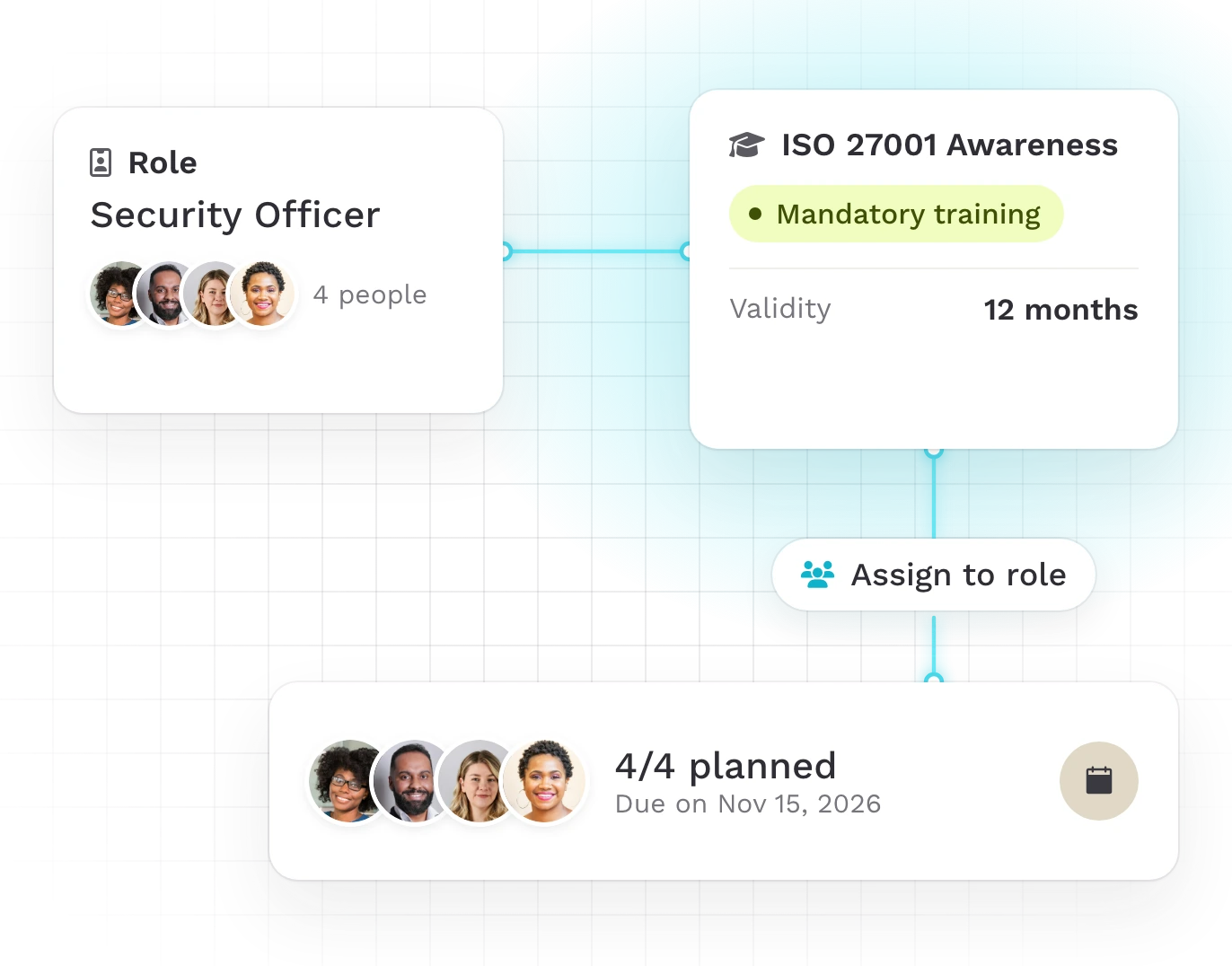

Every training comes with its own certificate
For each training, Teammeter creates a certificate type in your company catalog and shows it in the training. Its validity matches the training’s renewal period.
- One certificate type per training
- Validity equal to the renewal period
- Renewal reminder
Overview
The certificate status of every team at a glance
The certificate overview shows per team and site who holds which certificate, until when it is valid and where a requirement is not met. Managers keep the records even for employees without their own access.
One click on a number shows the names behind it. For a customer, partner or auditor, you export the status to Excel.
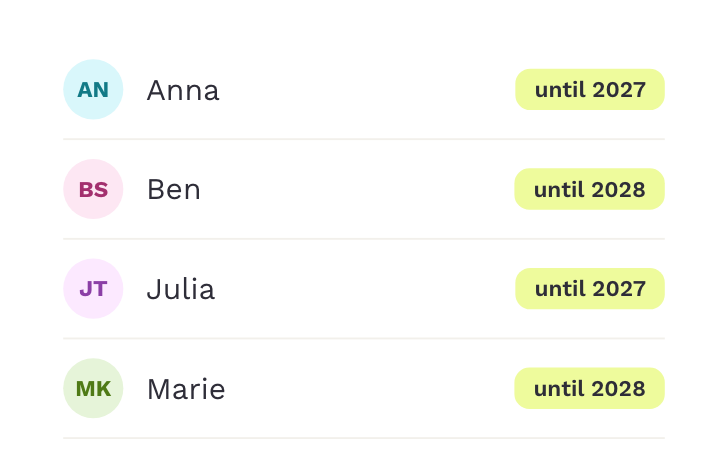
Valid

Expiring soon
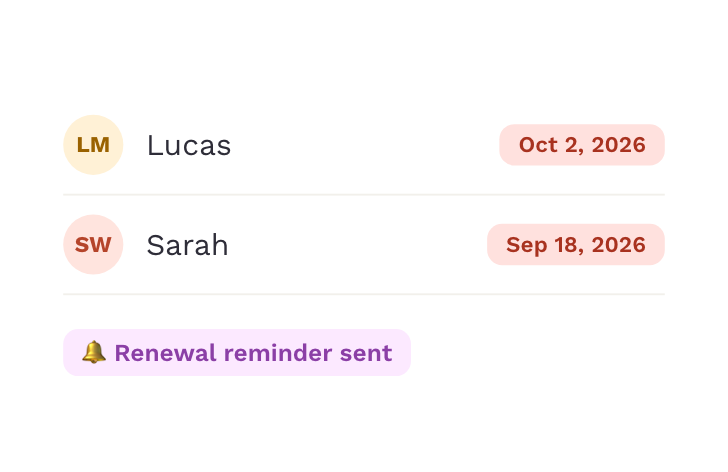
Expired

Missing
USE CASES
What organizations use certificate management for
Certificates count wherever someone asks for proof: in the audit, with the customer and for the partner status.
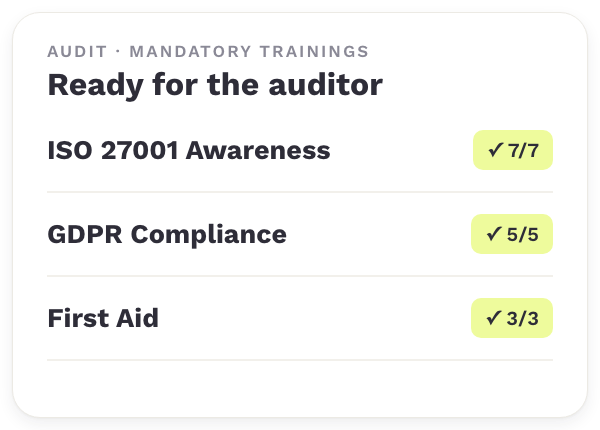

Certification & compliance tracking
Certificates and mandatory trainings are ready with their date and proof when the auditor asks.

Project staffing
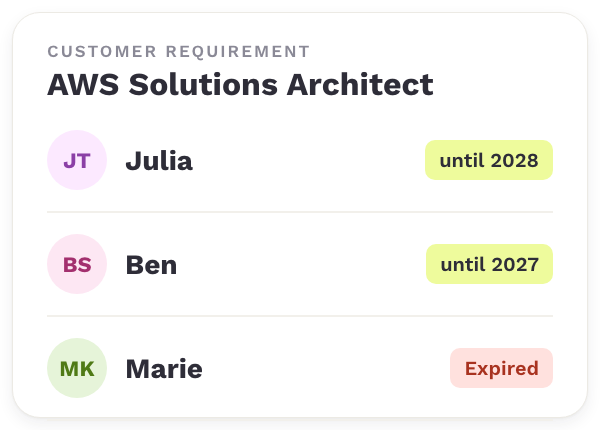
When a customer requires certain certificates, you see who holds them and until when they are valid.

Internal mobility
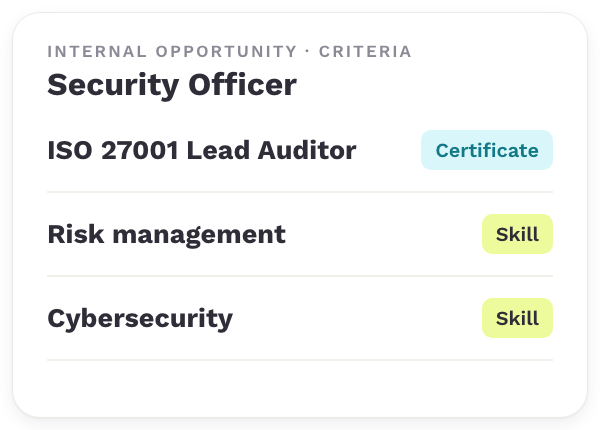
Internal opportunities list the certificates they require as a criterion next to the skills.

Upskilling & reskilling
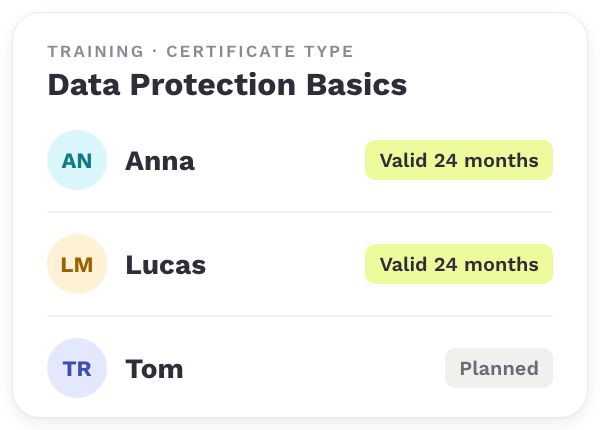
Every training has its certificate type, so you see who completed it and how long it stays valid.
TRUSTED BY HR TEAMS
Customers who keep their certificates under control
How organizations experience the overview of certificates and mandatory trainings in Teammeter.
“This is exactly the view I’ve been waiting for since day one. You’ve completely solved one of our requirements.”

Erik Kilian
Training & Compliance · PDV Systeme
“The way Teammeter lets you record mandatory trainings is really, really well done.”

Michel
Braintower
Frequently asked questions
Questions about certificate management
Certificate management software keeps your employees’ certificates in one place, tracks their validity and makes them available as proof.
These are the most common questions teams ask when they evaluate Teammeter for it.
Certificate management software keeps employee certificates with their issue date, expiry date and proof. It sends reminders before they expire and shows whether enough people are certified. In Teammeter, certificates are also connected to skills.
Name, provider, issue date, expiry date, the skills it confirms and the document as proof.
No. When employees import their CV, Teammeter adds the certificates it finds and matches them to your catalog. As they type, Teammeter suggests matching certificates, and for a standard certificate the provider and skills are already set. We import your existing certificates when you start.
Weeks before expiry, the employee gets a reminder and their manager is informed as well. The overview always shows which certificates expire soon.
Every certificate lists the skills it confirms, and the employee can add them to their profile. For each training, Teammeter creates a certificate type whose validity matches the training’s renewal period.
Yes. Teammeter is ISO 27001 certified, GDPR compliant and hosted in Germany. An imported CV is processed on our servers in Europe, is not stored and is never used to train an AI model.
Book a demo
See how Teammeter manages certificates in your organization
Discover how Teammeter records certificates, sends reminders before they expire and shows the status of every team. In a short demo, we’ll show how it works with your certificates and teams.
- ISO 27001 certified
- 4.7/5 on Capterra
- GDPR-compliant
Meet your hosts
Get a personalized walkthrough based on your certificates and proof requirements.

Sonali Suriya
Business Development Manager

Konrad Kraft
Go-To-Market Manager
Book your 30-min demo
Experience a personalized product demo and get all your questions answered by our experts.